
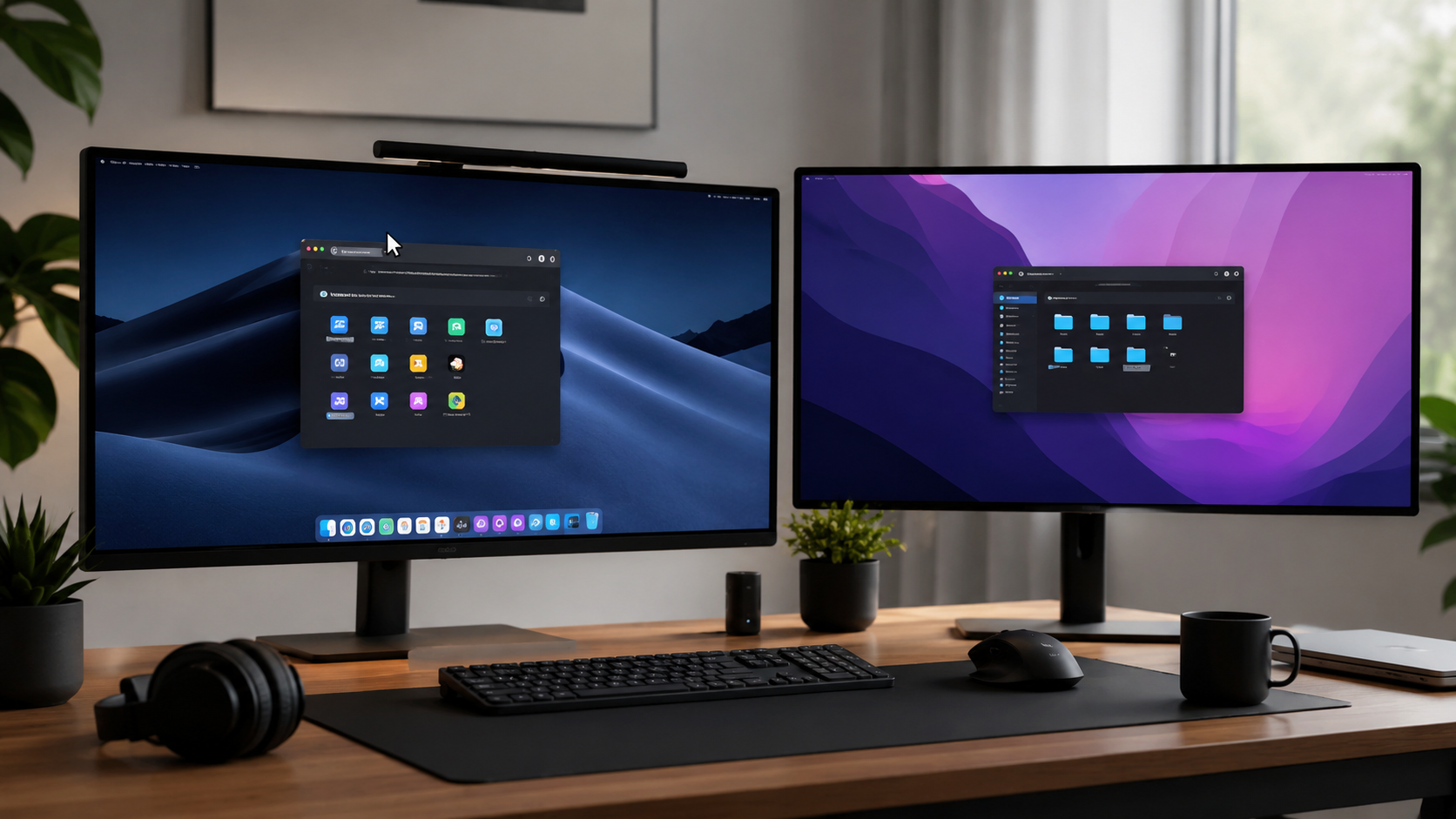
When working with multiple monitors, it’s very important to open applications on the exact monitor you need. And if that’s the one you need most—the currently active monitor—then I have a solution.
A small utility called SpawnHere will help you always open new application windows under the cursor—that is, always on the currently active monitor.
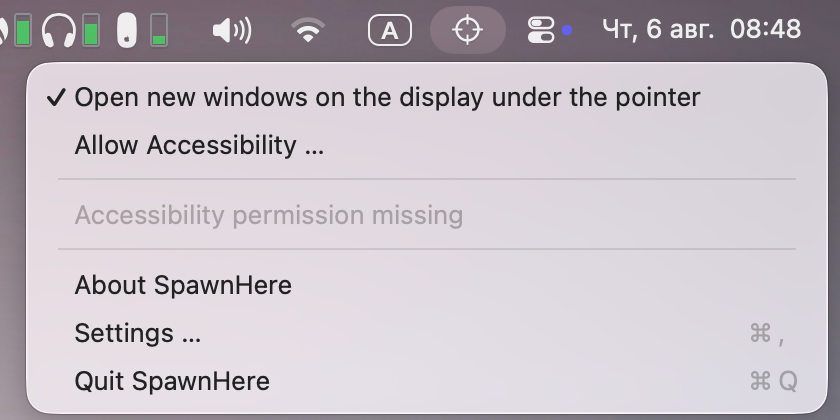
The app has almost no settings. However, you can add apps to the exceptions list so they open according to the system’s default behavior.