
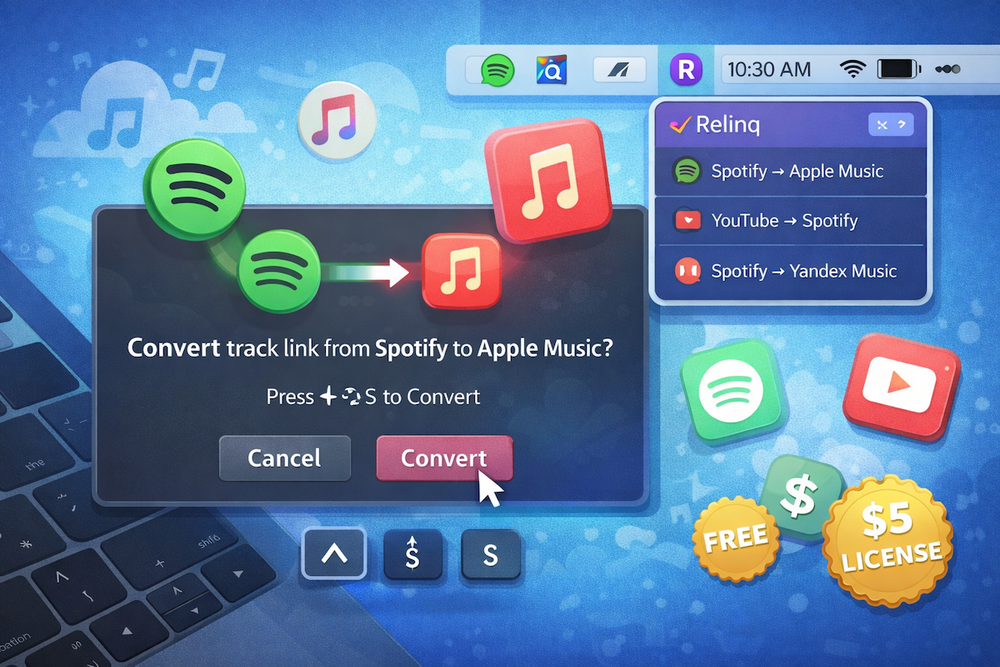
What if someone asks you to share a track link, but you listen to it on Spotify while your friend uses Apple Music? You end up looking for ways to convert the link. As always, I wanted to automate this process.
If you’re using macOS, you can install the Relinq app, which automatically offers to convert a copied track link between different music services.
0:00
/0:15
When a pop-up notification appears, you just need to press a keyboard shortcut, and the conversion will happen automatically.
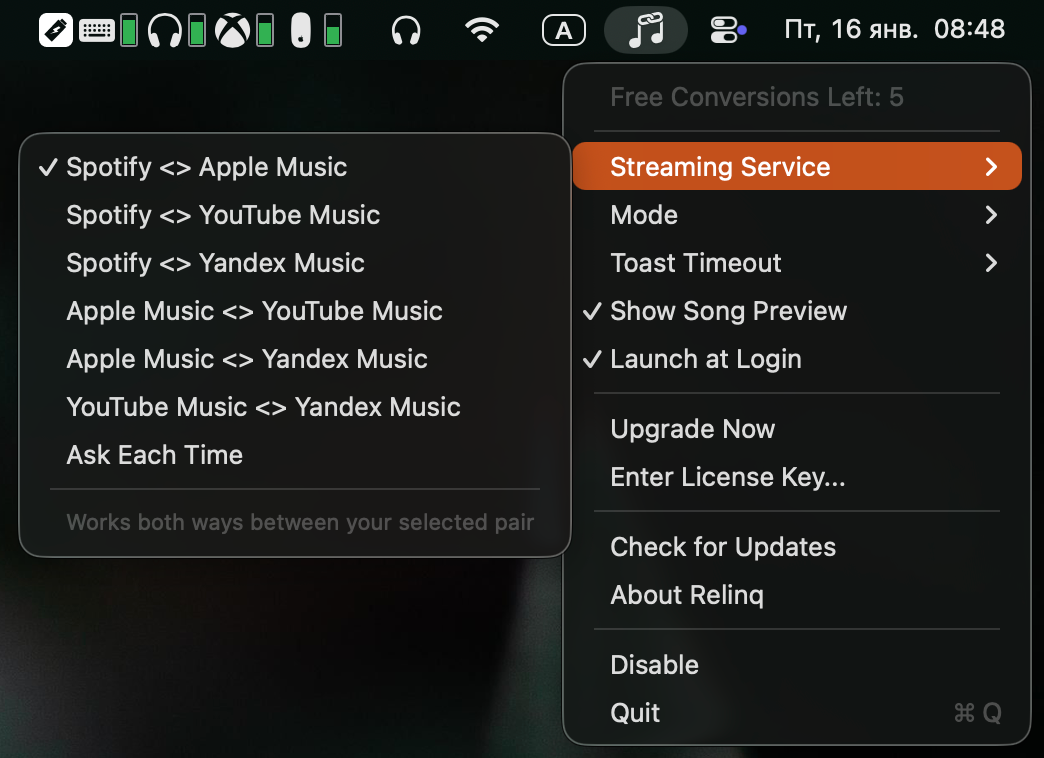
Relinq offers several useful settings:
- Choose which services to convert between, or be prompted each time;
- Convert automatically, via a hotkey, or only from the menu bar;
- Set how long the notification is displayed.
Pricing
You can convert up to five links for free. After that, you’ll need to purchase a license for $5.