
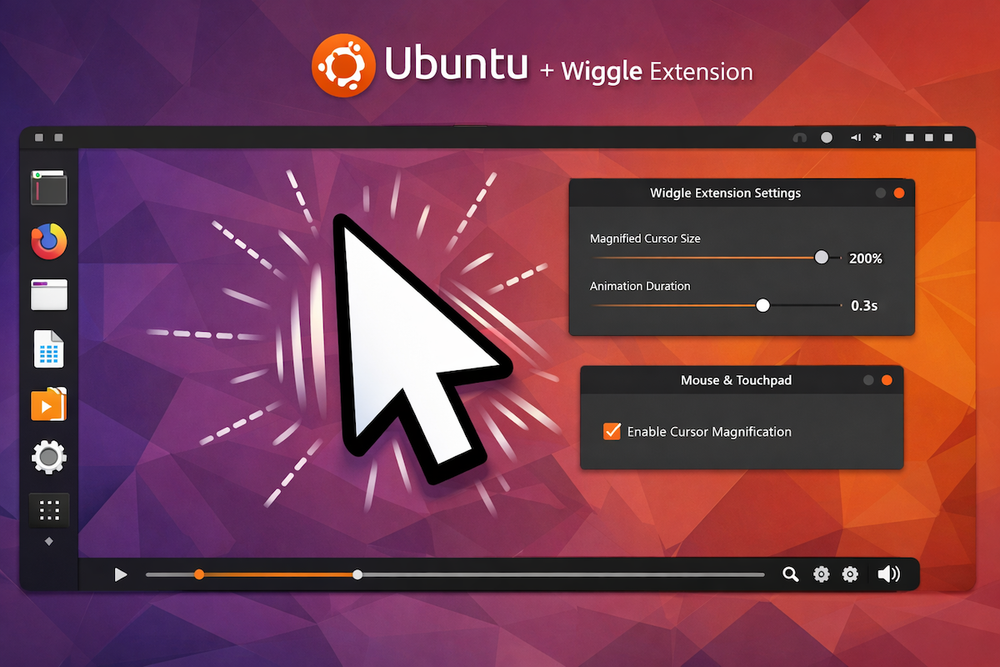
In macOS, if you quickly shake the mouse cursor, it automatically enlarges, making it easier to find on the screen. Other operating systems also support this feature, but it usually needs to be enabled manually.
In Ubuntu with the GNOME desktop environment, you can install the Wiggle extension to get the same functionality.
0:00
/0:03
By default, it works right after installation. In the settings, you can customize the enlarged cursor size and the animation duration.