
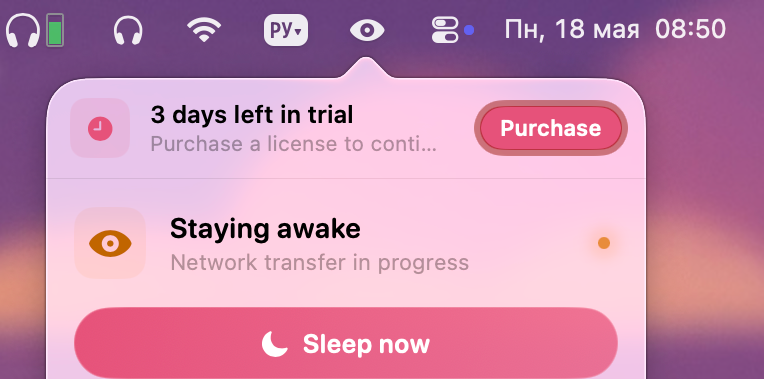
I’ve been keeping my computer on for years, letting it go to sleep automatically. Yet sometimes it refuses and I have to hunt down the app that’s blocking sleep.
With MacRest, finding those apps is much easier. After launching it, a small menu bar icon will display the exact process or application that’s preventing sleep.
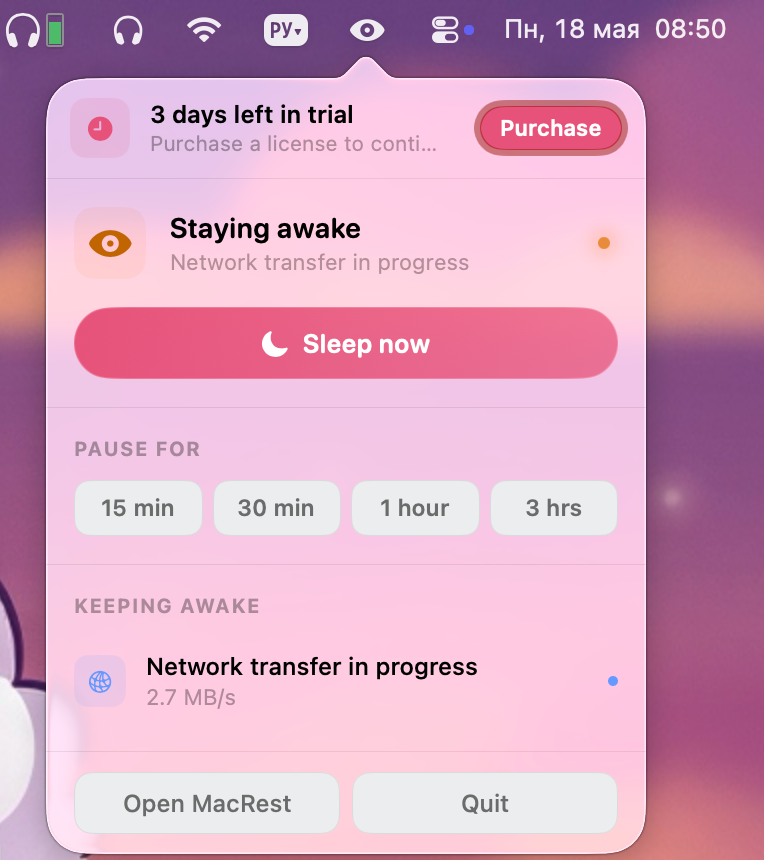
From there you can force the Mac into sleep or suspend the troublesome process for a while.
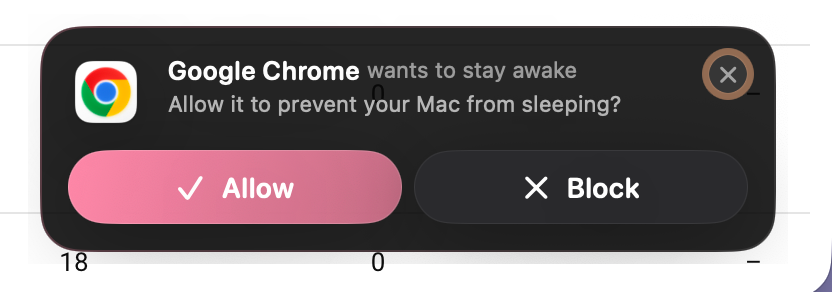
Occasionally you’ll also see notifications indicating that a particular app may block sleep. From that notification you can choose to allow or permanently block the app.
Price
Try MacRest for free for three days. Purchase is one‑time, €7.99.