

I often come across services for monitoring changes. The problem with many of them is that they don’t support all types of changes, are expensive, or send notifications via email instead of Telegram or wherever you need them.
Changedetection.io is a web service that lets you monitor changes on any website and receive notifications however you prefer. The service’s code is open-source, which means you can deploy the solution on your own server and use it for free.
I chose the latter option and set up a copy of the service on my own macOS machine. To start monitoring, you need to specify the page’s URL and select its type: a regular page or a product page for price monitoring.
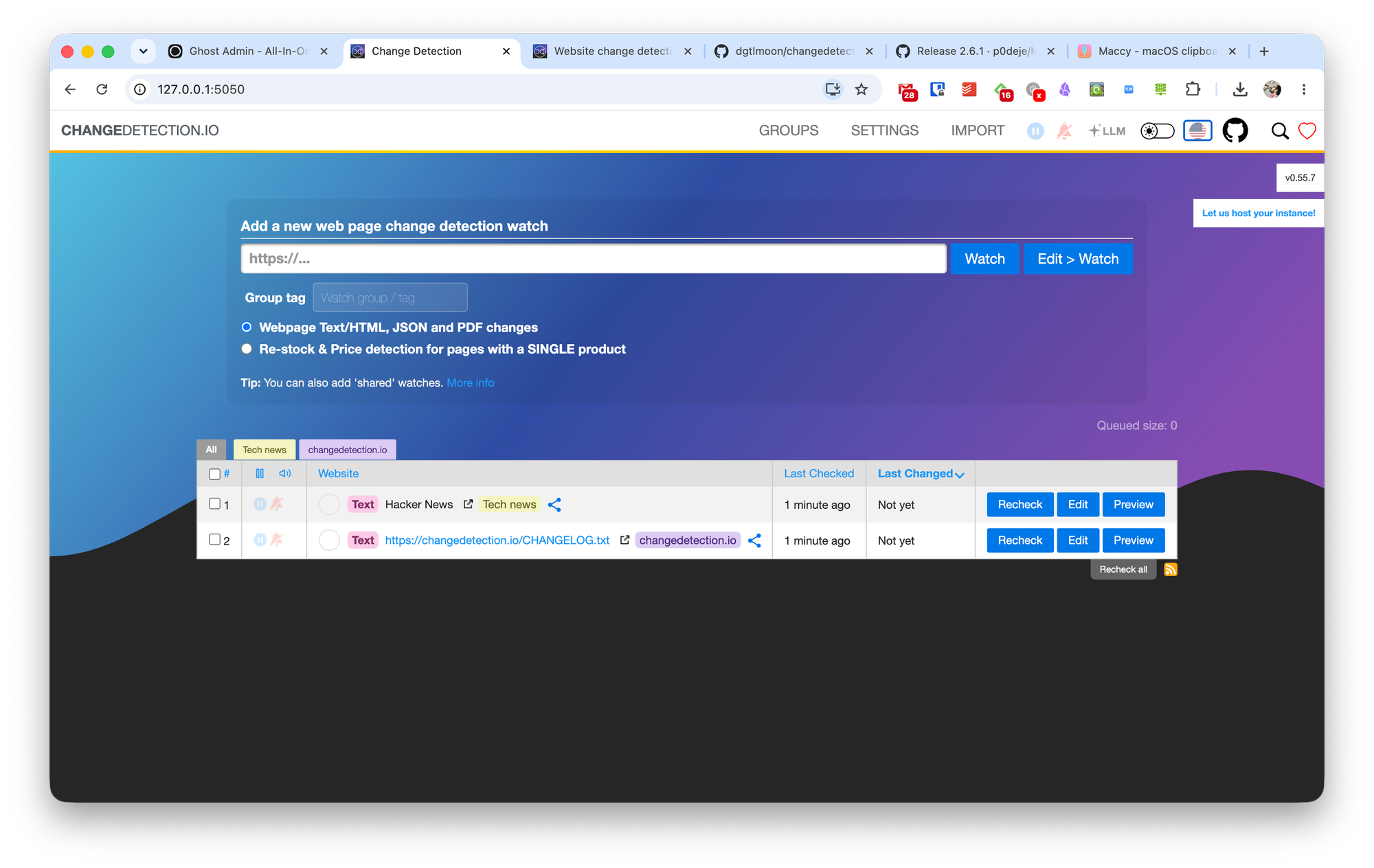
Additionally, you can add a tag to the monitoring to group it with other similar trackings. Then all you have to do is click the “Edit Watch” button to configure the monitoring rules.
The next page will open the monitoring setup wizard. The depth of change tracking depends entirely on your preferences and technical skills.
For most people, the settings on the General tab will be sufficient. Here, you can add a tag again and change the page type. Next, you need to specify the check interval and how many page copies to keep after each check. For example, you can choose to keep only the last three copies of a page.
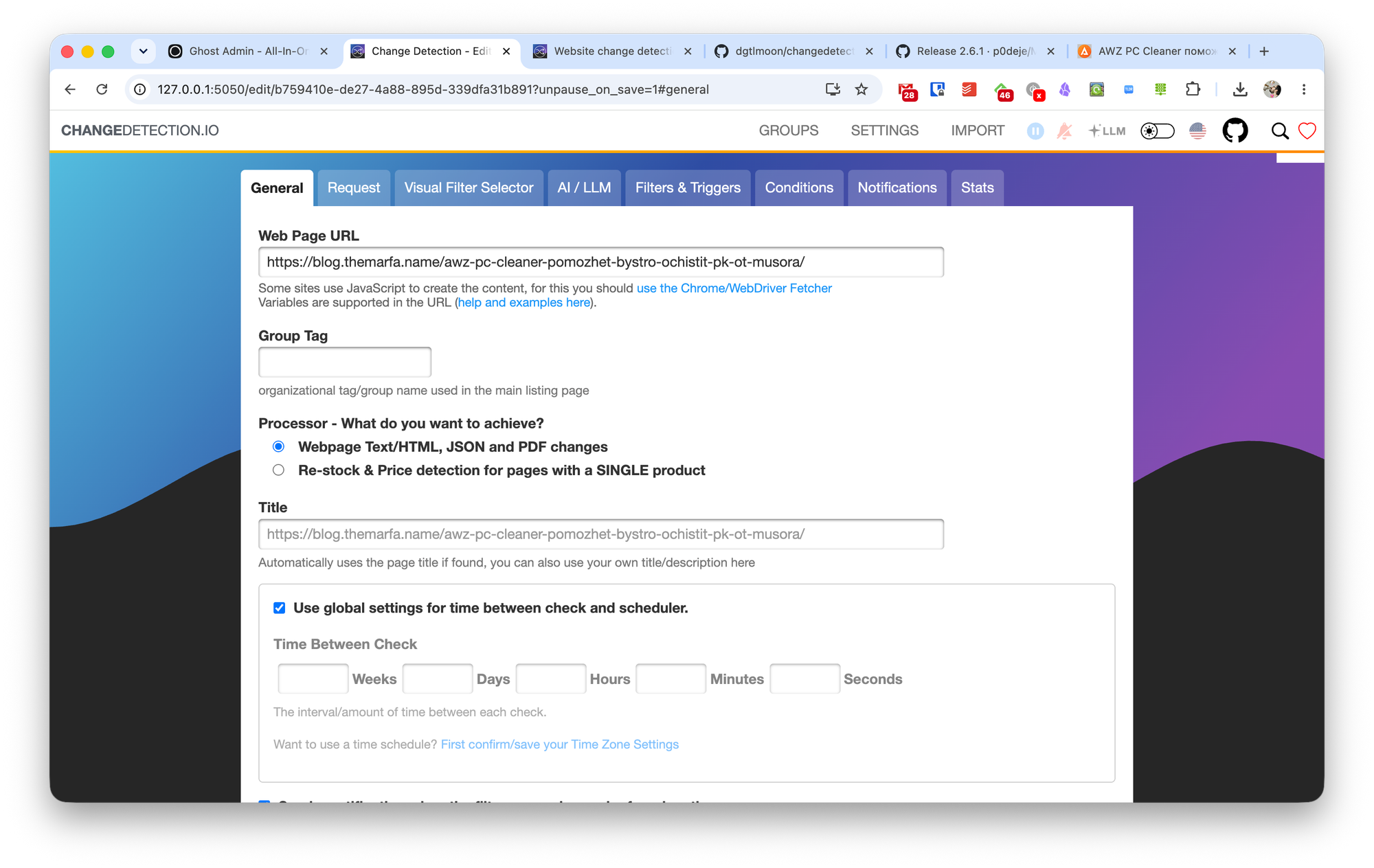
After that, simply save your monitoring settings, and in most cases, everything will work. However, if necessary, you can access more advanced settings.
The "Request" option lets you configure exactly how changes will be checked: via standard HTTP, a text request, or the full Chrome web engine.
Visual Filter Selector lets you specify exactly what to monitor on a page. You select specific areas on a screenshot of the page, and the service tracks changes in those areas.
AI/LLM, when you add your own LLM, allows you to connect a neural network to the monitoring process.
Filters and Triggers works similarly to Visual Filter Selector, but here you need to manually specify the path to the element you want to monitor.
Conditions lets you set the conditions to monitor. For example, if the price has changed by only one ruble, you can ignore that change.
Notifications lets you manage the content of notifications, including what information is included and any other necessary text.
In the Changedetection.io settings, you can specify various global parameters for all monitoring tasks, CAPTCHA handling, proxy services, and other useful features.
When a change occurs on a monitored page, you can see it in the audit history. Changes are highlighted in a corresponding color depending on their type: deletion, addition, or modification.

To set up a notification delivery method, you’ll need to spend some time figuring it out and reviewing the documentation. Unlike most similar services, Changedetection.io doesn’t let you connect email or Telegram with a single click. You need to specify specific HTTP requests.
Cost
As I mentioned above, you can use Changedetection.io for free without any restrictions if you deploy it on your own server. I did this in a couple of minutes using Cursor.
An alternative option is to pay the developers $8.99 per month to monitor up to 5,000 links.