
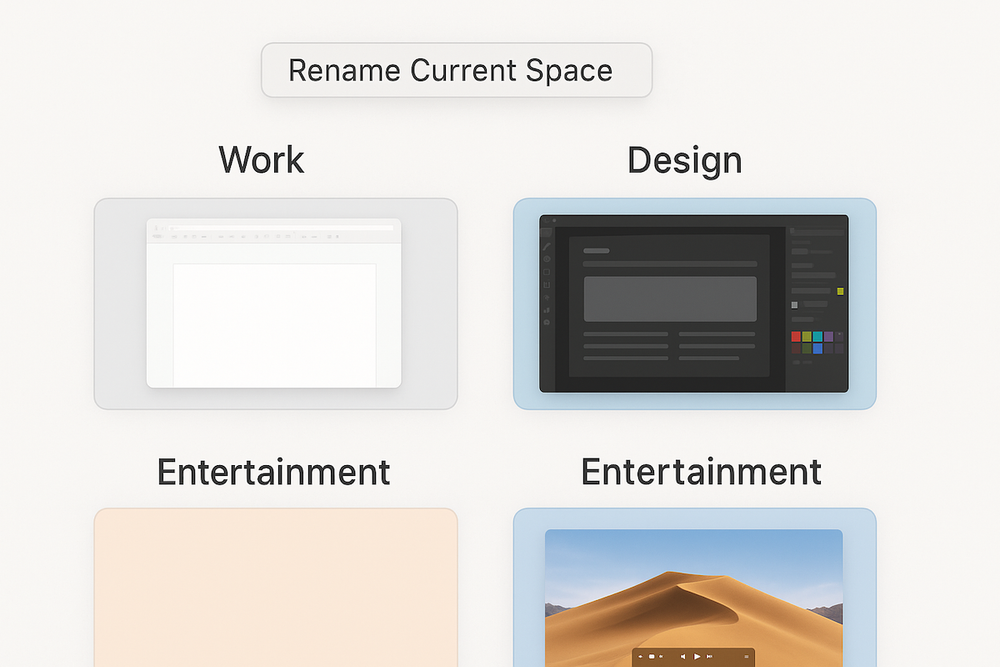
In macOS, you can create multiple desktops (Spaces) to better organize your workflow. However, with many desktops, it’s easy to lose track of which one was created for what purpose.
You can simplify navigation between Spaces with the DesktopRenamer app, which allows you to assign any name to the current desktop.
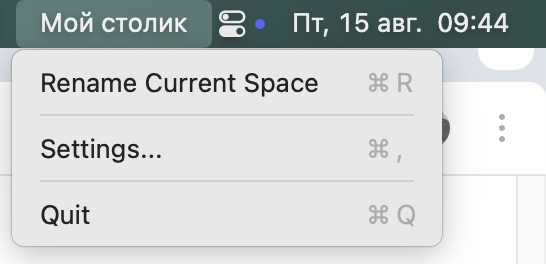
Just select the Rename Current Space menu option or use a hotkey to set the desired name. After that, you’ll see it in the menu bar whenever you switch between desktops.