How to Turn Any Key into a Hyper Key on macOS

Konstantin Dokuchaev
How to Turn Any Key into a Hyper Key on macOS

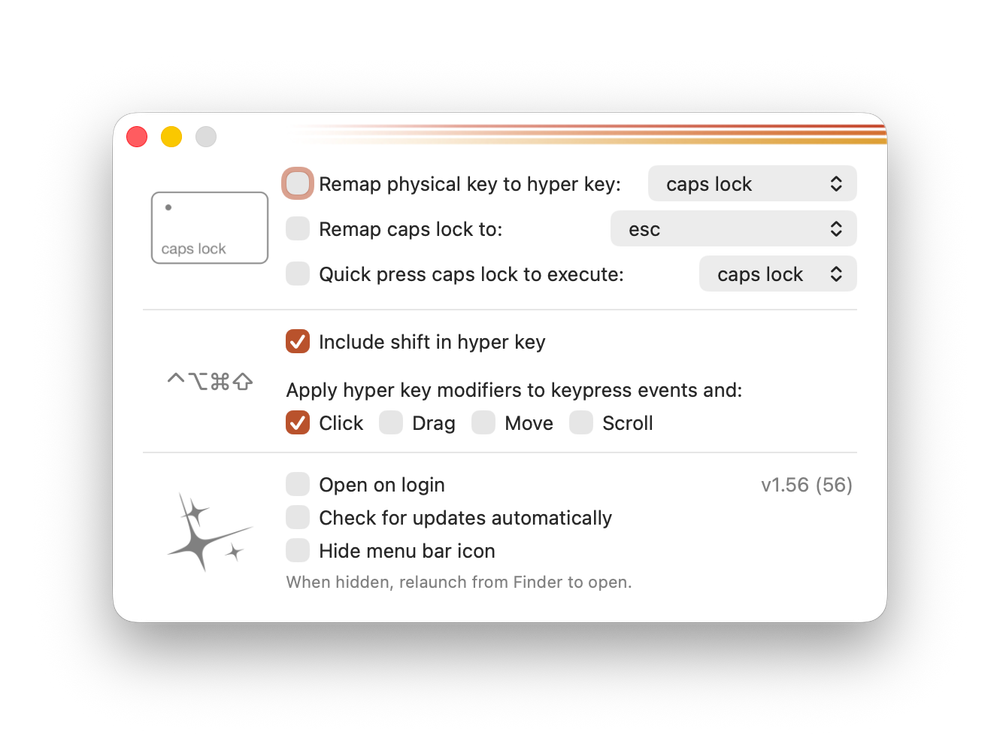
Hyperkey lets you transform any key (for example, Caps Lock) into a Hyper modifier and flexibly assign actions and keyboard shortcuts.

If the standard modifier keys in macOS aren’t enough for you, it’s easy to turn any other key into one. This is done by configuring a key as a Hyper key, allowing you to use it in combination with other modifiers.

With the Hyperkey app, you can do exactly that—or simply remap Caps Lock to something more useful.
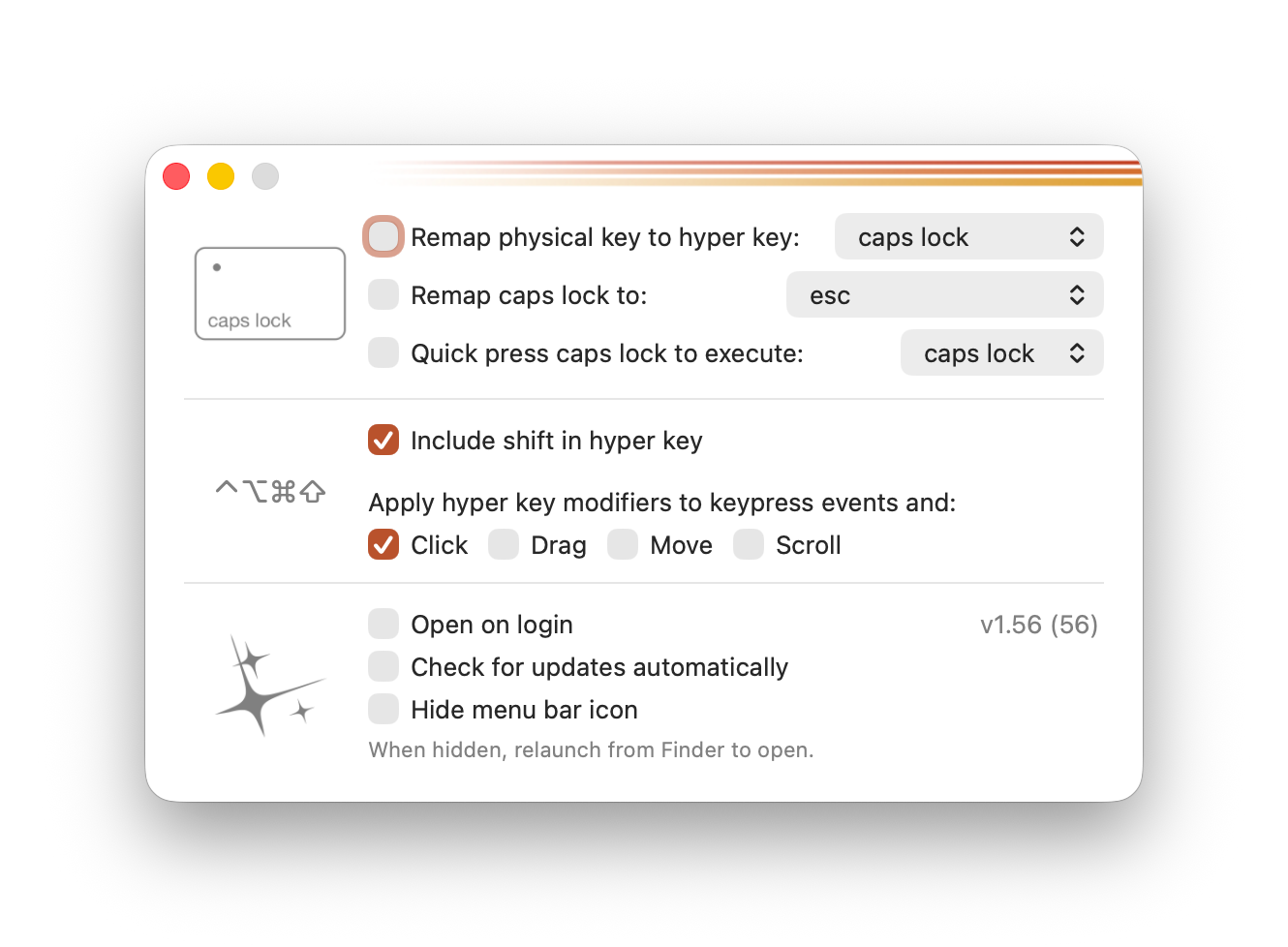
In the settings, you’ll find three main options:

  • Remap any key to the Hyper key
  • Remap Caps Lock to any other action
  • Trigger an action with a quick press of Caps Lock

Additionally, you can include Shift or Touchpad gestures as part of the Hyper key.


Great! Next, complete checkout for full access to All-in-One Person
Welcome back! You've successfully signed in
You've successfully subscribed to All-in-One Person
Success! Your account is fully activated, you now have access to all content
Success! Your billing info has been updated
Your billing was not updated