

API keys should be stored safely and prevent their leakage in every possible way. Therefore, many services hide the fresh key almost immediately when generating them. And if you did not have time to write it down, then you need to repeat the generation procedure again.
The Otter Vault Chrome browser extension lets you forget about this problem. It automatically writes keys to a secure vault when they become available, and you can easily resave them later without too much haste.
To make everything work, after installing the extension, you need to set an encryption password for your storage.
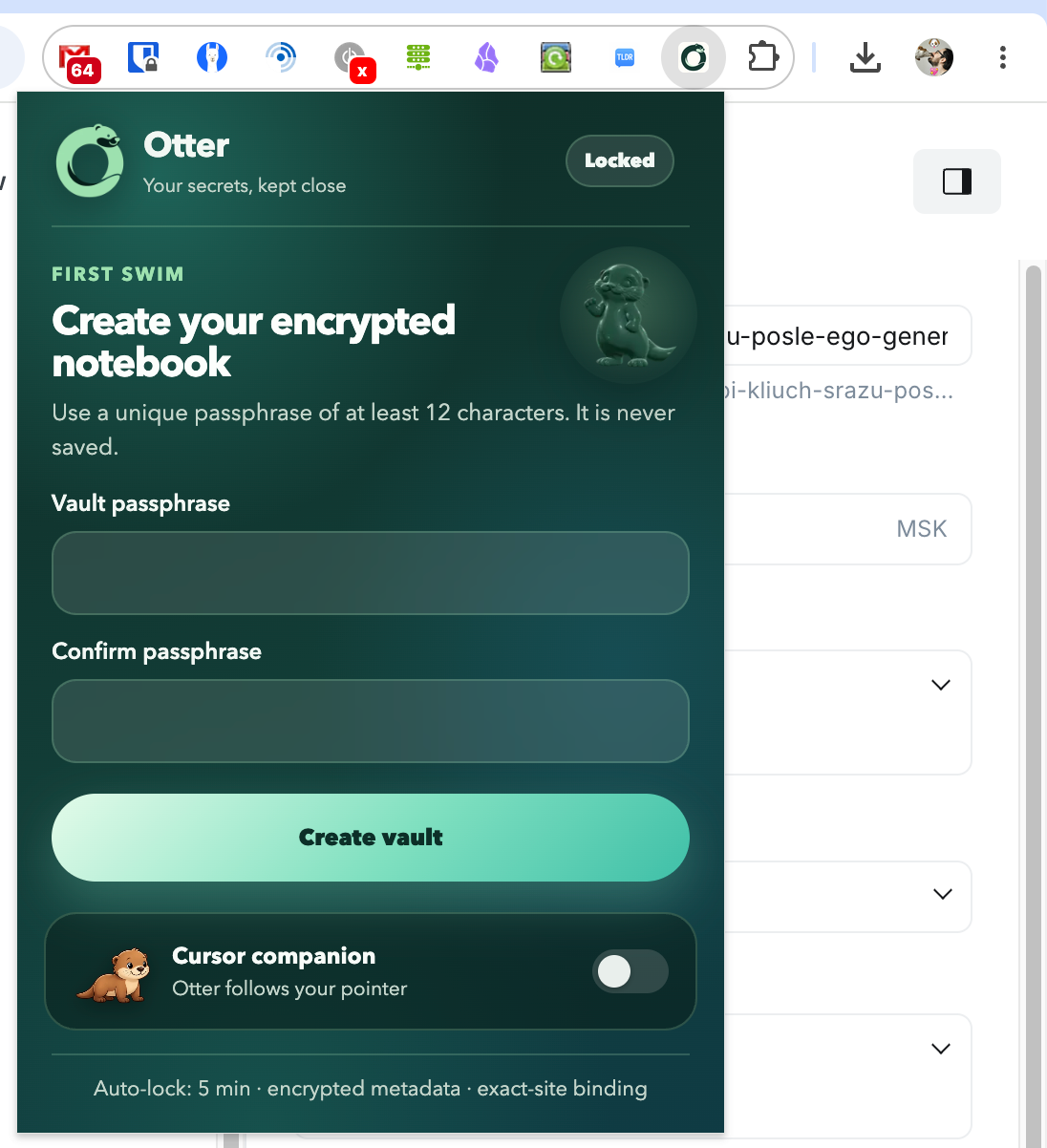
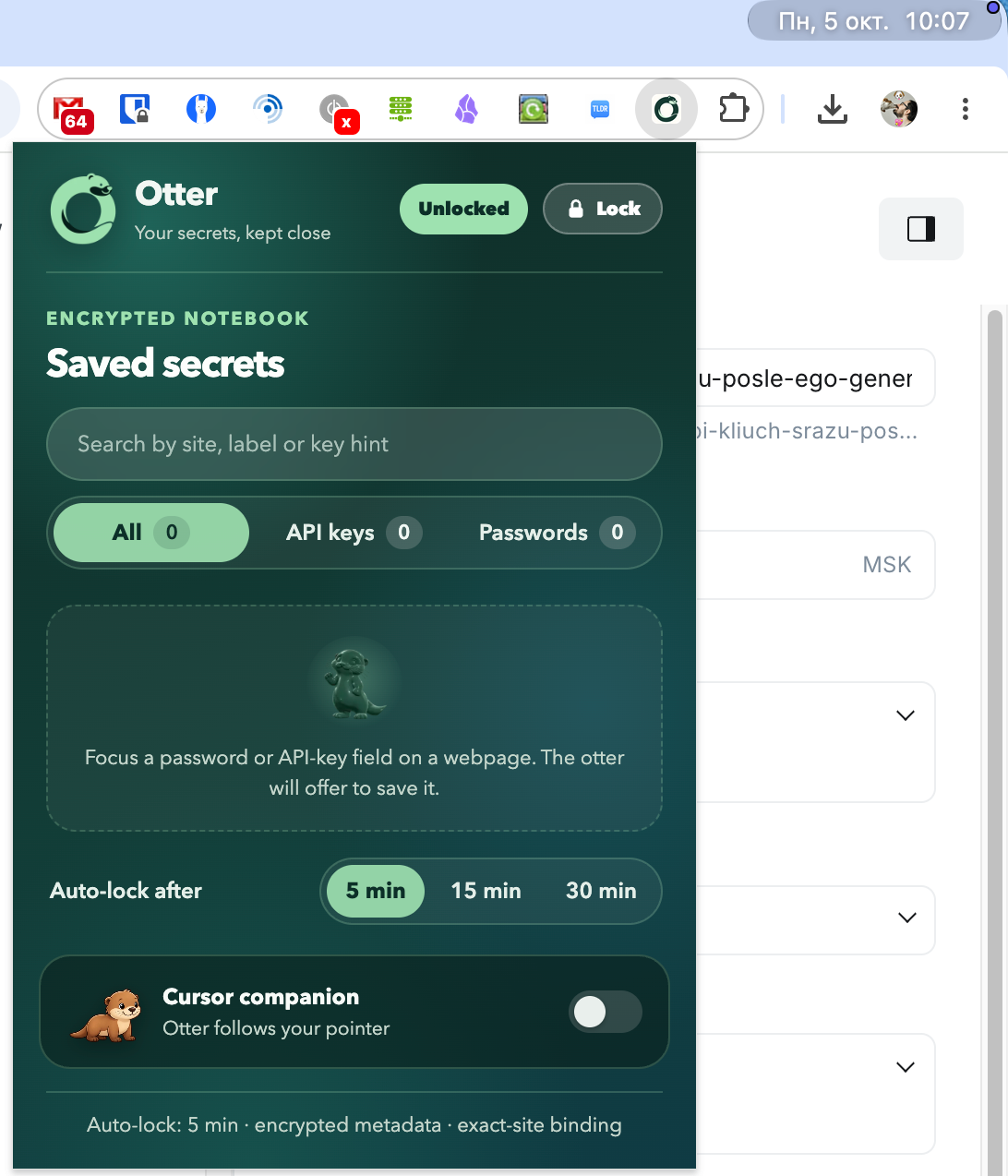
By default, the storage is blocked after five minutes, but in the settings you can change the period to 15 or 30 minutes. And also activate integration with Cursor.
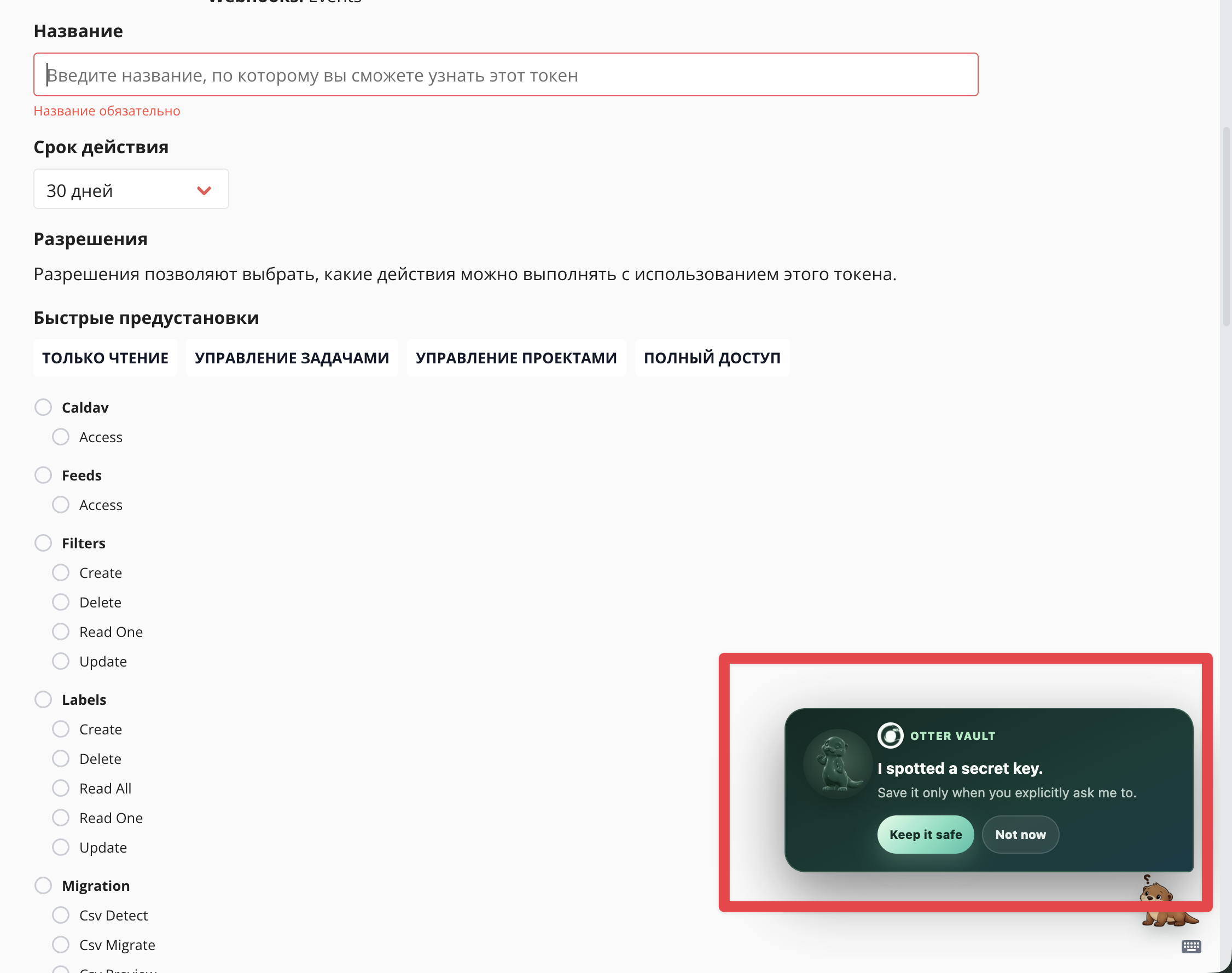
When the API key is displayed in the browser, Otter Vault will automatically detect it and offer to save it to your vault.
Cost
For personal use, Otter Vault is completely free. But teams will need to pay for a license — $20 per month. The license is available to teams of up to 10 people.