
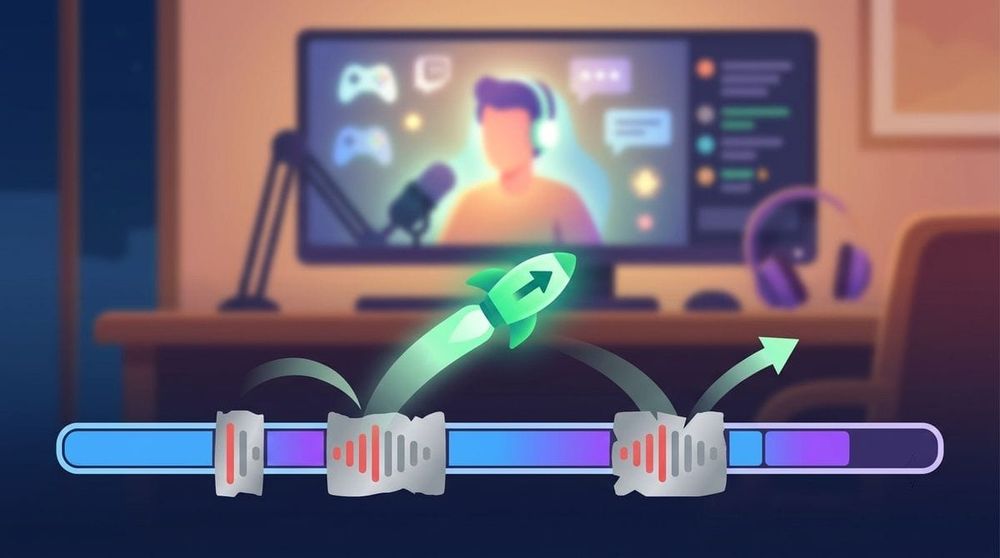
I don't like watching live streams on Twitch, instead I prefer to watch the recording of the stream at a convenient time for me. However, Twitch likes to mute the sections with licensed music, and you usually have to rewind such gaps manually.
After installing the SkipMute for Twitch extension for Chrome or Firefox, you can forget about it. After all, the extension automatically scrolls through the sections with the cut music.
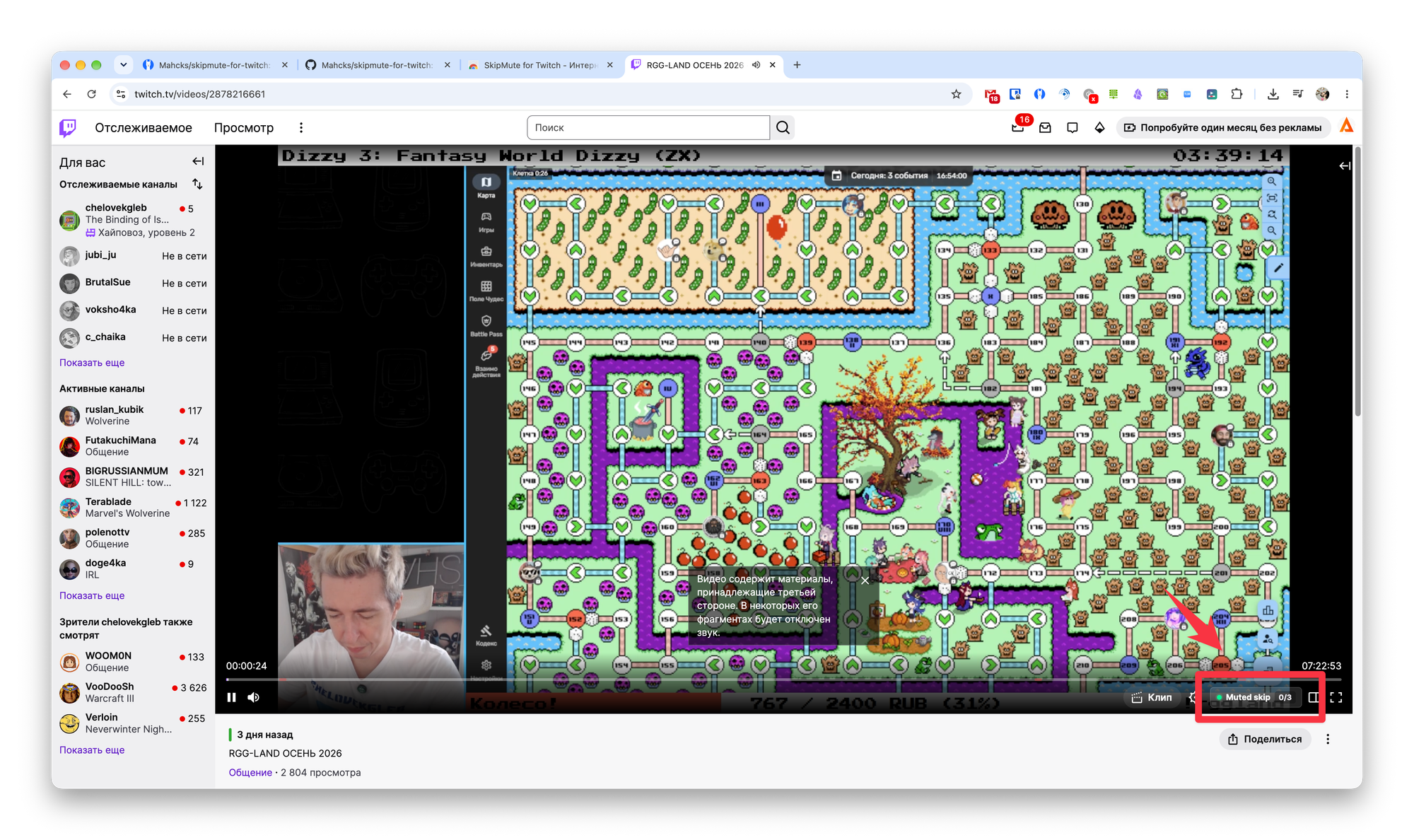
The extension has no settings. After installing it, an icon with a counter of quiet sections will appear in the lower right corner. When you click on it, you can disable the extension.
If you still want to see the squandered area, you can quickly return to it.