
Chrome, it seems to me, wins over Safari primarily due to the huge store of various extensions, which may simply not be available in a similar store for Safari. And if you don't want to use the Google browser, then such extensions can be converted.
To do this, you need the Viaduct app, which automatically converts Chrome extensions to Safari through XCode.
There are two ways to do this: the first is to install the Viaduct extension in the Safari browser. Then, when you go to the Google Chrome store, you can install extensions directly from the browser.
The second option is to upload the extension file to the desktop version and convert using it.
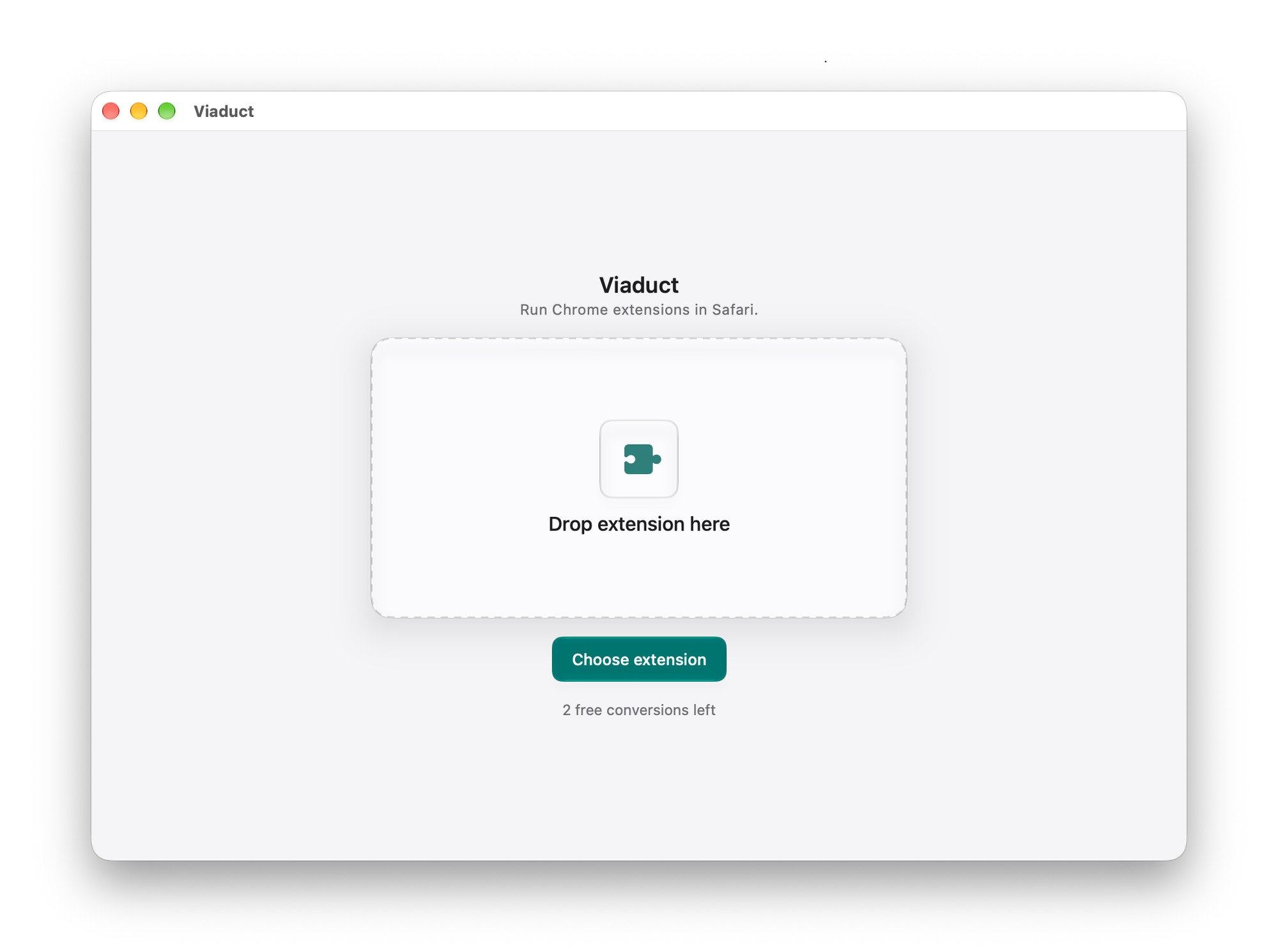
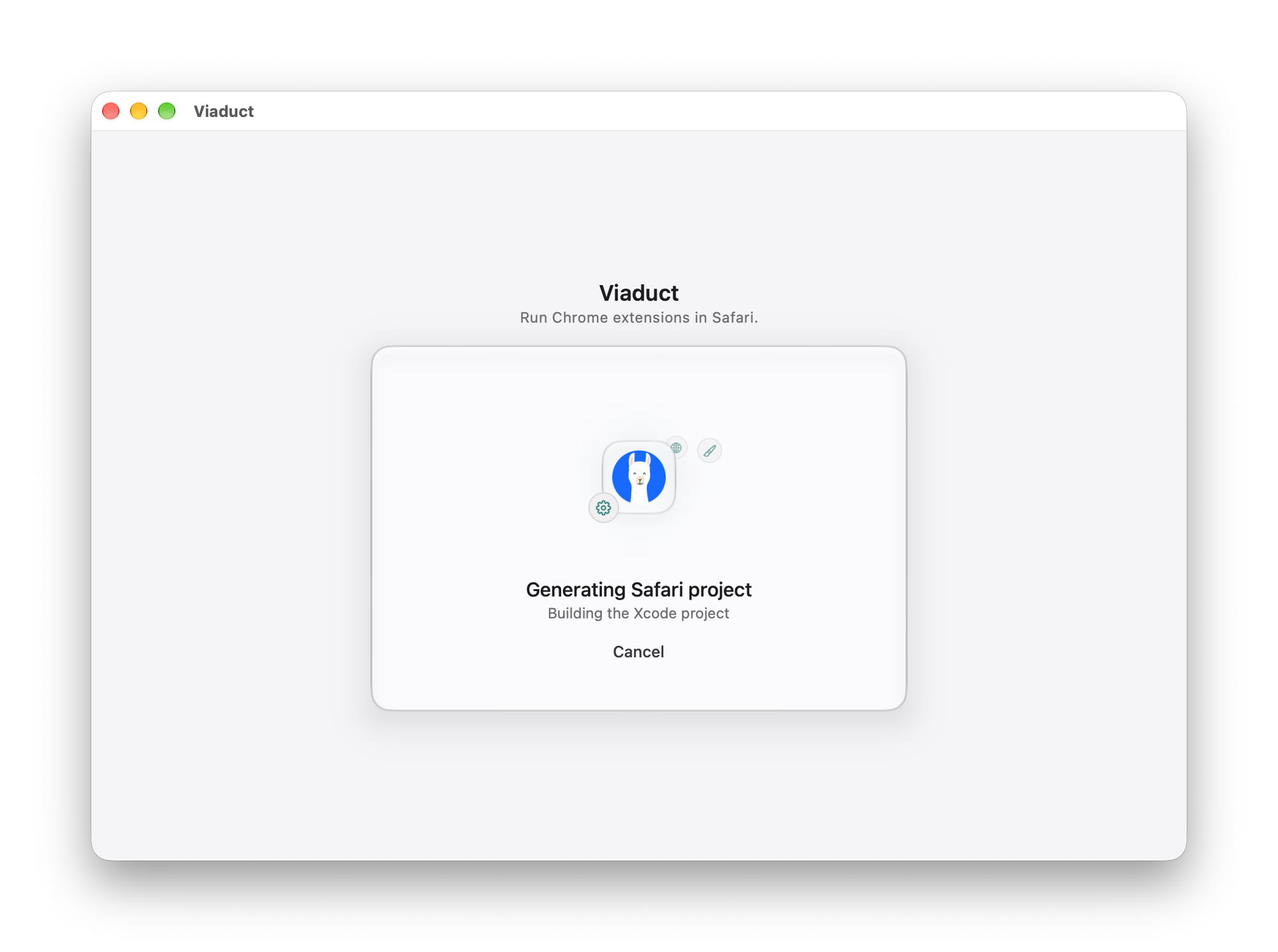
You don't need to make any complicated settings or installations. Just click Convert & Install, and Viaduct will do everything for you. For example, if you don't have XCode on your PC, the app will install it on its own.
Most likely, your extension will not be signed by XCode. In this case, the installation will still be successful, but Safari will block it. To activate the extension, you need to go to the developer settings section and allow the installation of unsigned extensions.
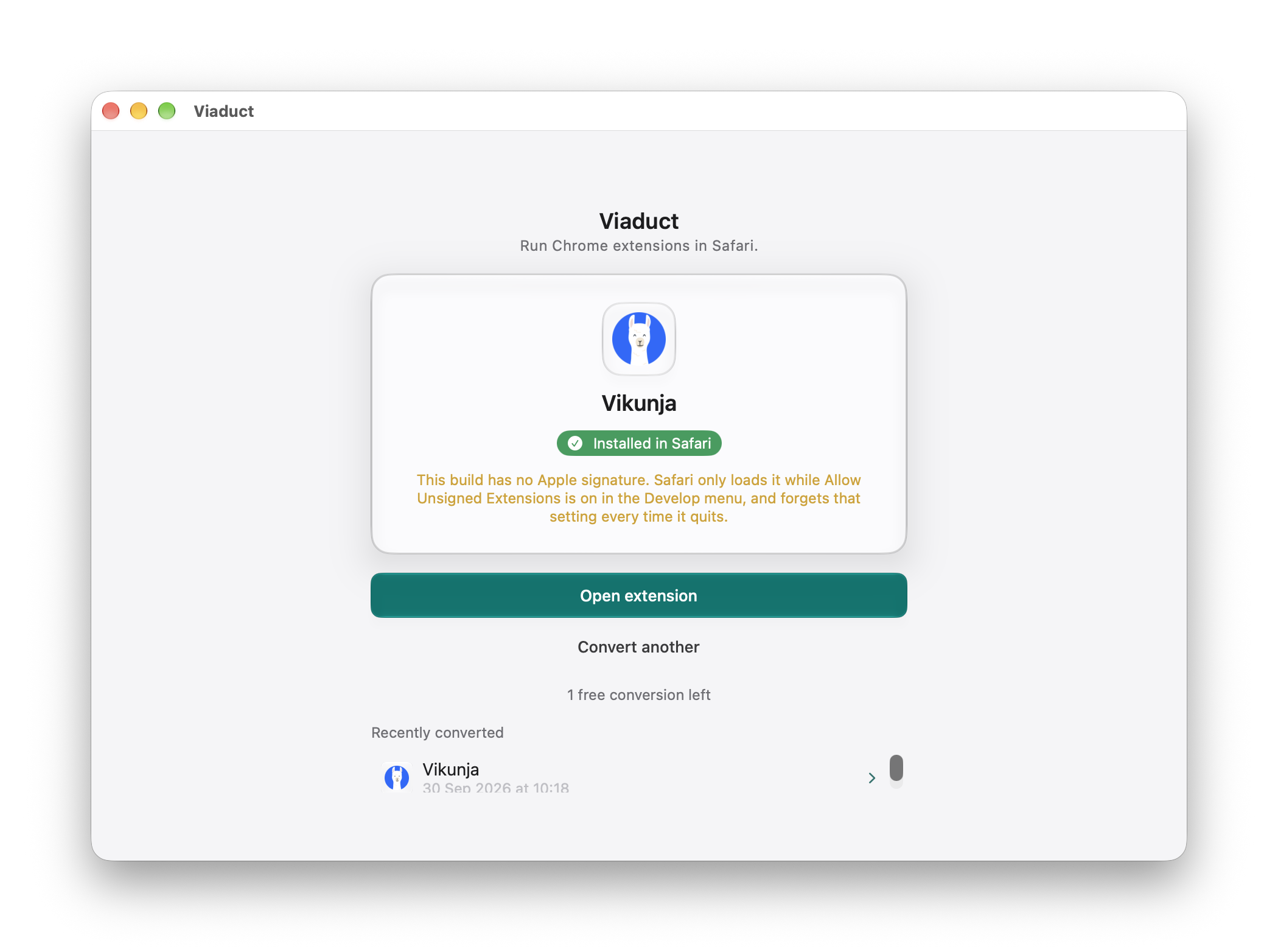
You can avoid this problem by buying an Apple developer certificate, but you definitely don't need it if you're not really a developer.
Cost
You can convert up to two extensions for free. For a one-time fee of $19, you can convert an unlimited number of extensions.