

I find the default tab switching and opening behavior in Google Chrome frustrating. When switching between tabs and opening new ones, they quickly become disorganized, making navigation chaotic.
To fix this, I previously used the Tabs Plus extension, but it stopped working after the latest Chrome updates due to changes in the extension manifest.
As an alternative, I found Tab Position Customizer - Modified, which offers the same functionality — and even more.
Key Features
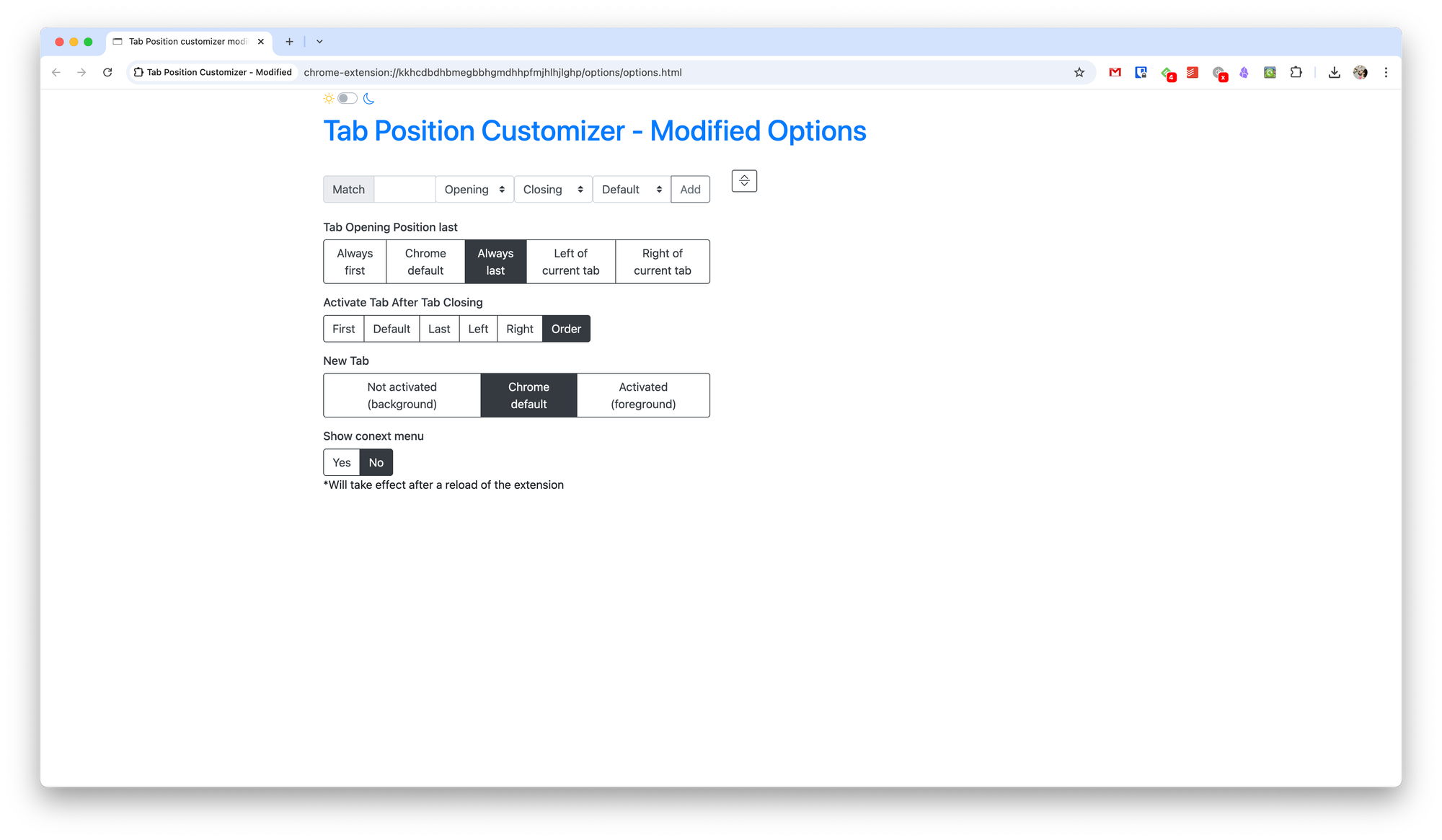
In its settings, you can customize:
• The order of opening and closing tabs with specific URLs
• The opening order for all tabs
• Which tab becomes active when closing another tab
• The position of newly opened tabs
This extension gives you full control over how tabs behave, making browsing much more organized.