
I usually enable Dock auto-hide, but that behavior isn’t ideal for everyone. Maybe you’d prefer the Dock to disappear only when it’s actually being covered by another window?
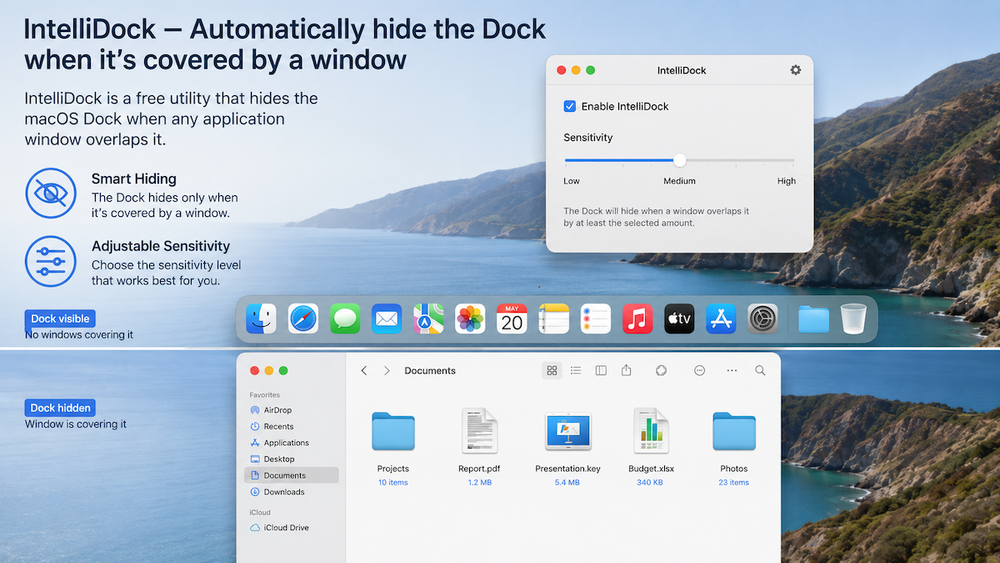
In that case, you can install the free IntelliDock utility. It automatically hides the Dock whenever a window from any application overlaps it.
In the utility’s settings, you can adjust the sensitivity level that determines when the Dock should be hidden. There are no other configuration options.