
There are hundreds of macOS apps designed to help you quickly arrange windows across corners, screen regions, and workspaces. Today, we’re looking at one of them.
What caught my attention about ScreenPlace is its ability to remember the current position of a window and automatically restore it whenever the corresponding app is launched.
To configure a window layout in ScreenPlace, simply add the currently active window from any application.
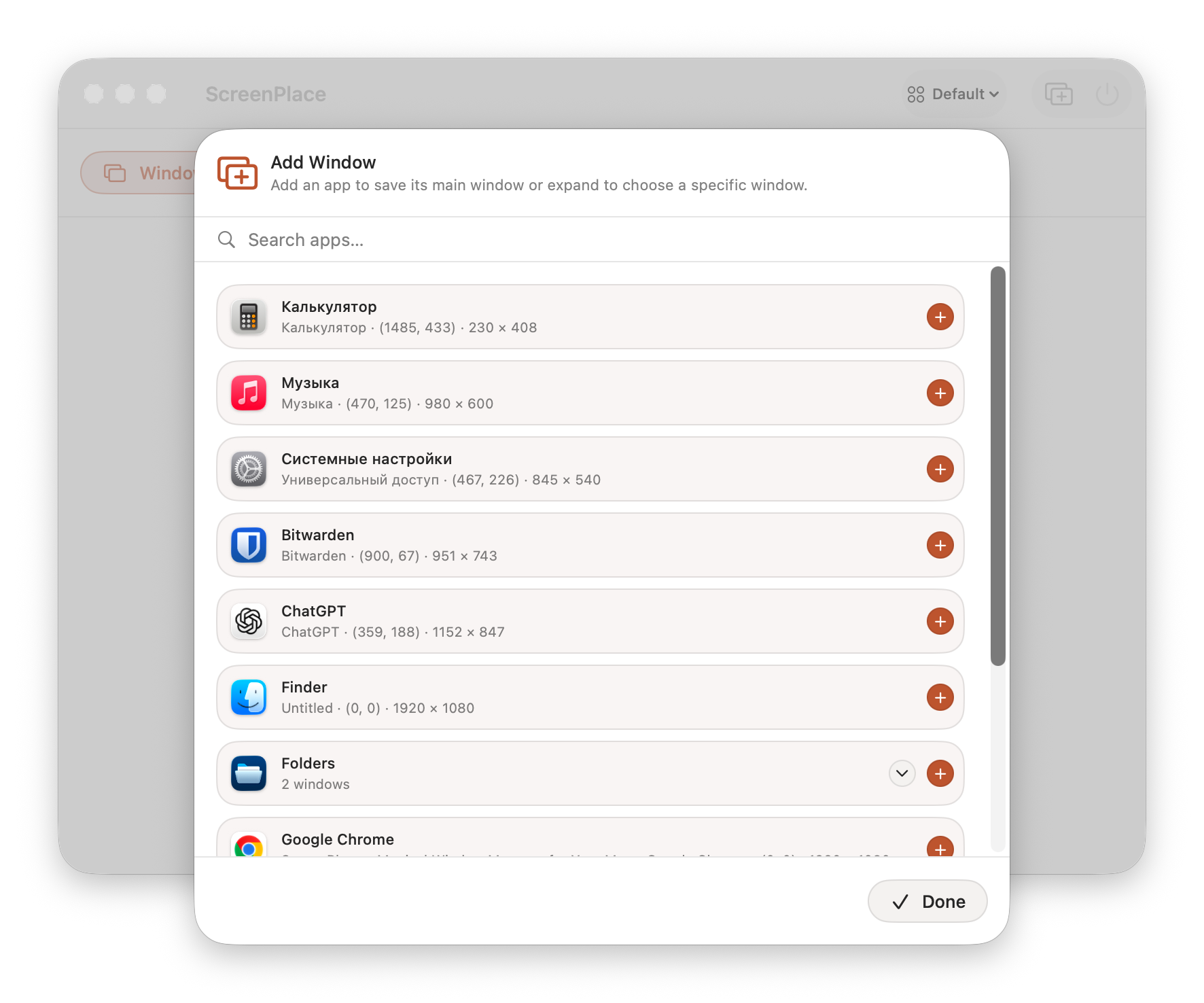
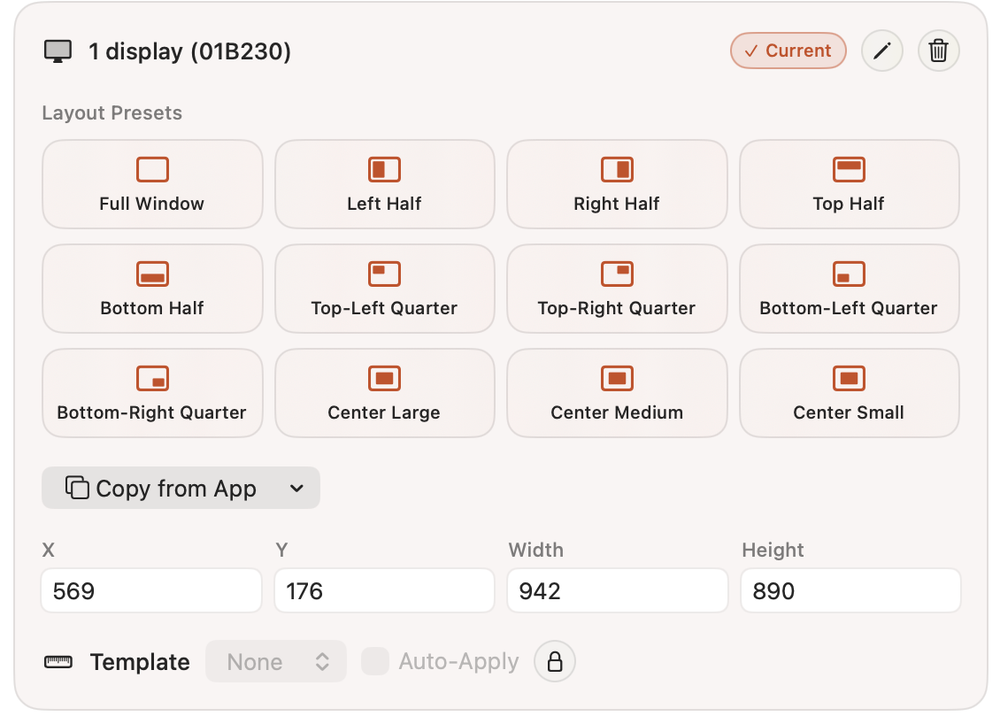
After that, you can save its current position and apply it either manually or automatically when the app starts. You can also choose from several preset layouts.
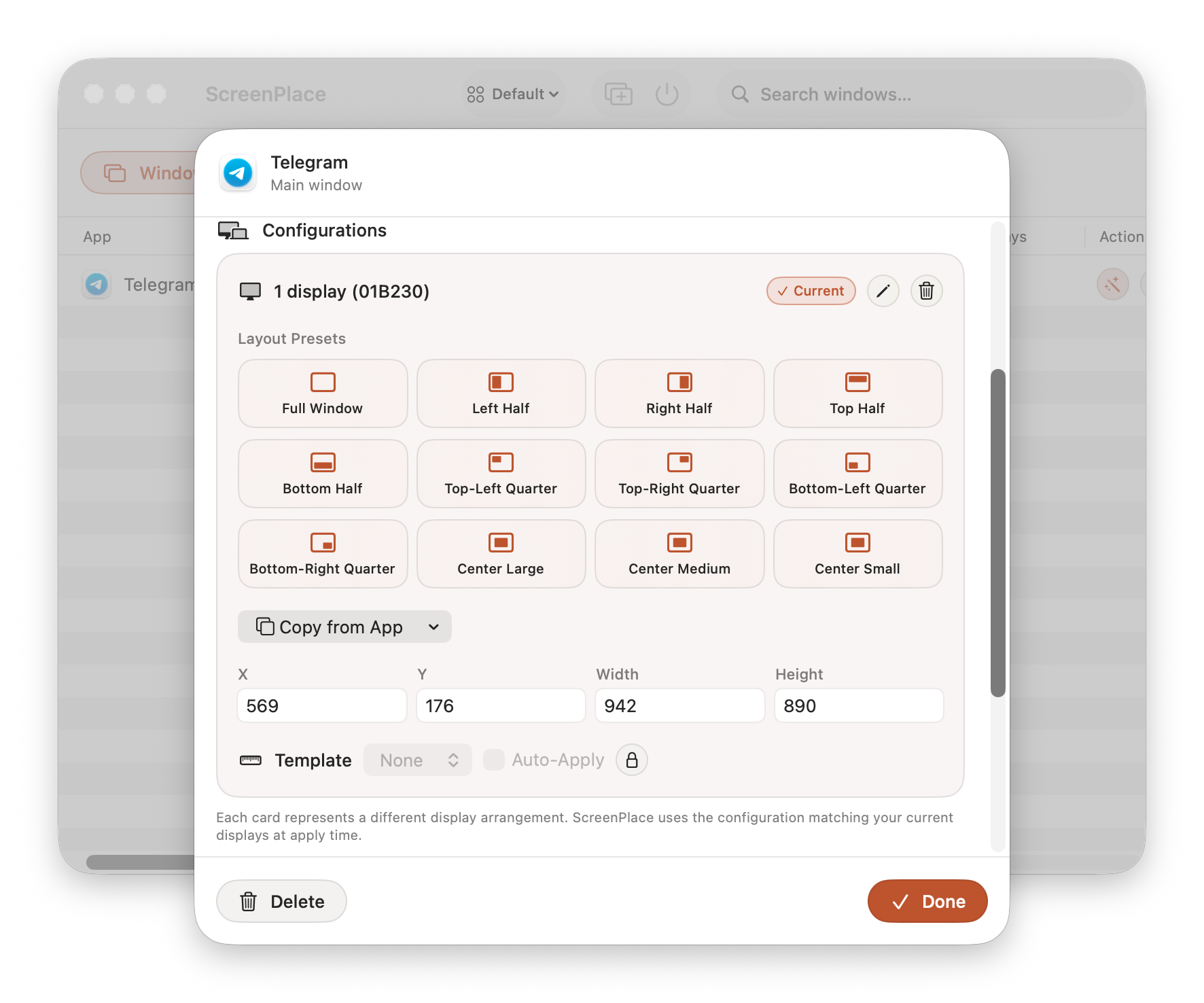
These settings can be applied to different monitors or workspaces.
Pricing
The free version does not limit the number of windows you can configure. However, it only supports a single workspace, and many advanced settings remain unavailable.
The paid version costs $19 and removes all restrictions, giving you access to the full feature set.