

In theory, browser tab titles should reflect their content, but that’s not always the case. Sometimes, you may want to rename them for better organization. However, Chrome doesn’t offer a built-in way to do this.
To solve this, you can use the Rename Tabs with F2 extension for Google Chrome.
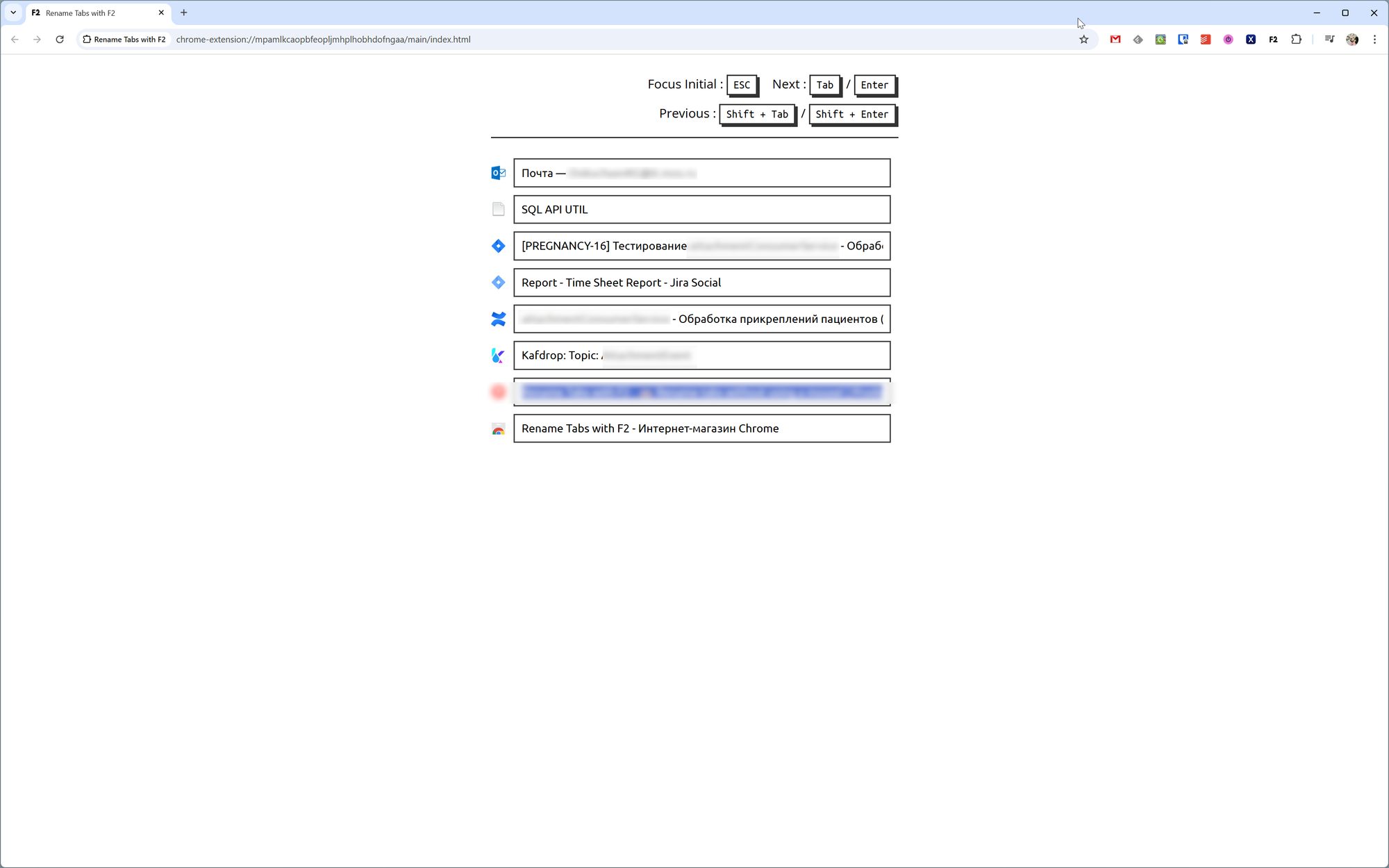
The extension has no settings, but when you press F2, a separate window opens with a list of all tabs, allowing you to rename them as needed.