
One of the main issues with self-custody of BTC is losing access to your keys in the event of your death. If there’s no key, no one can access your funds. This makes inheriting crypto extremely difficult without revealing the key.
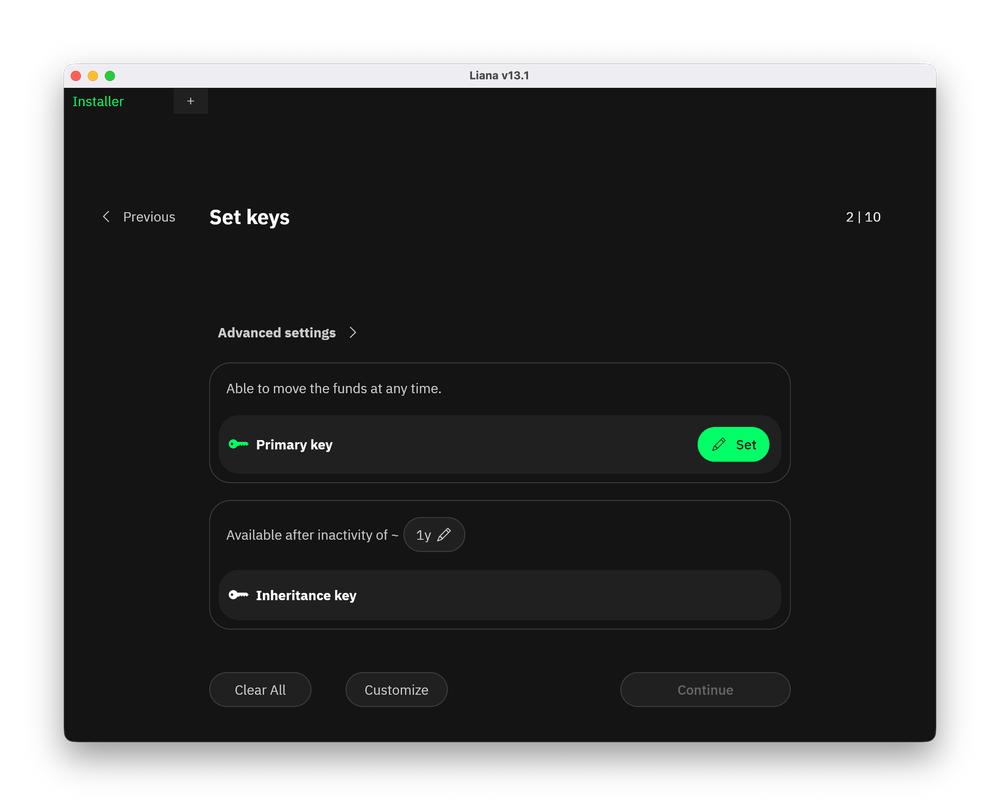
The Liana wallet addresses this by allowing you to create additional keys for your loved ones that remain inactive while you’re alive.
This is made possible thanks to Miniscript (which you can read about separately). The wallet is open-source and supports hardware (cold) wallets.
This post won’t be a full review of the wallet and all its features. In terms of functionality, it offers roughly the same capabilities as most other wallets. Instead, we’ll take a closer look at BTC inheritance.
First launch
If you’ve never used Liana before, you’ll be prompted to create a new wallet on first launch. You’ll be able to import an existing wallet later during setup.
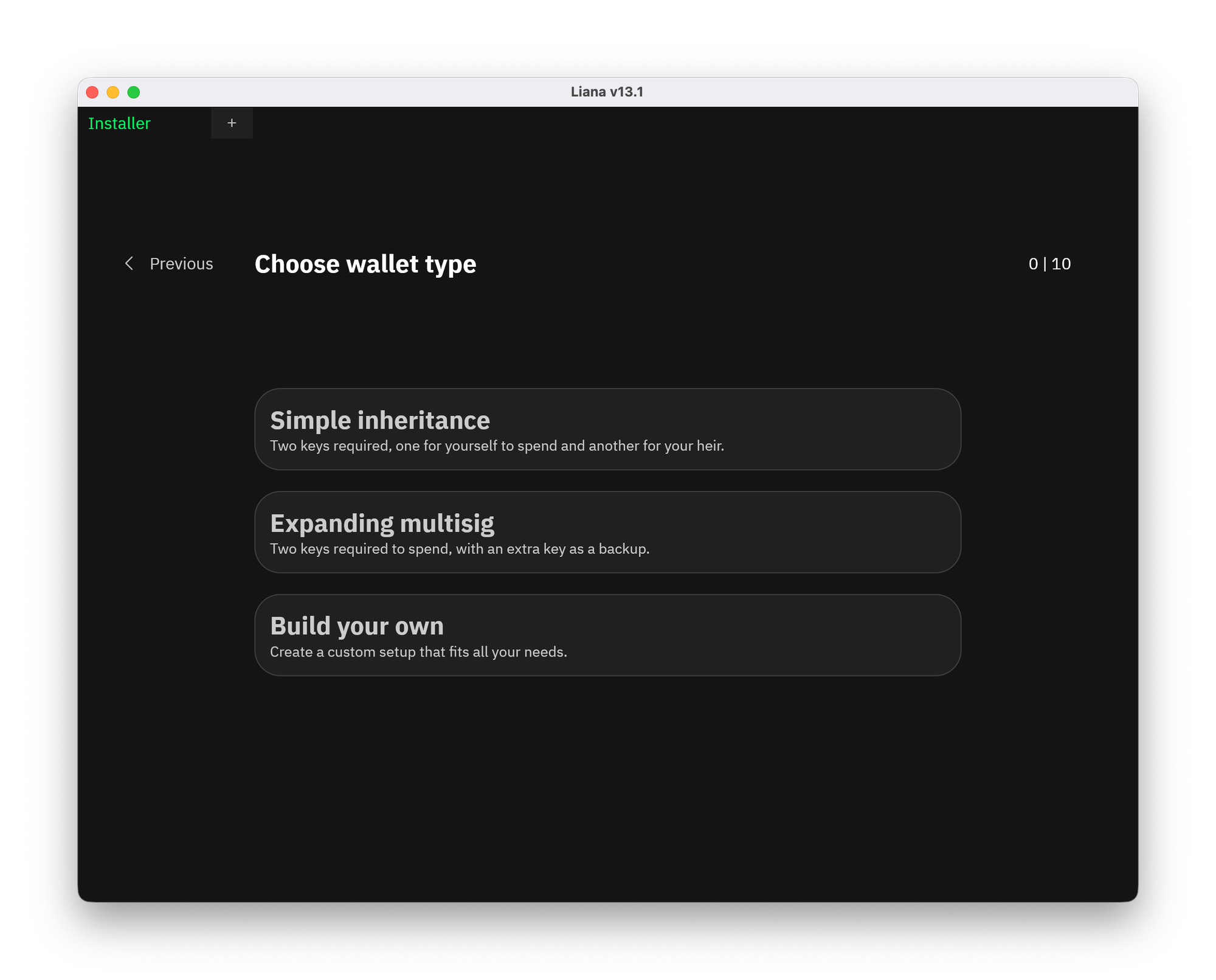
When creating a wallet, you have three options:
- Simple inheritance — creates two keys: one for you and one for your partner or heir.
- Expanding multisig — requires two keys to authorize transactions plus one backup key.
- Custom setup — lets you define your own wallet parameters.
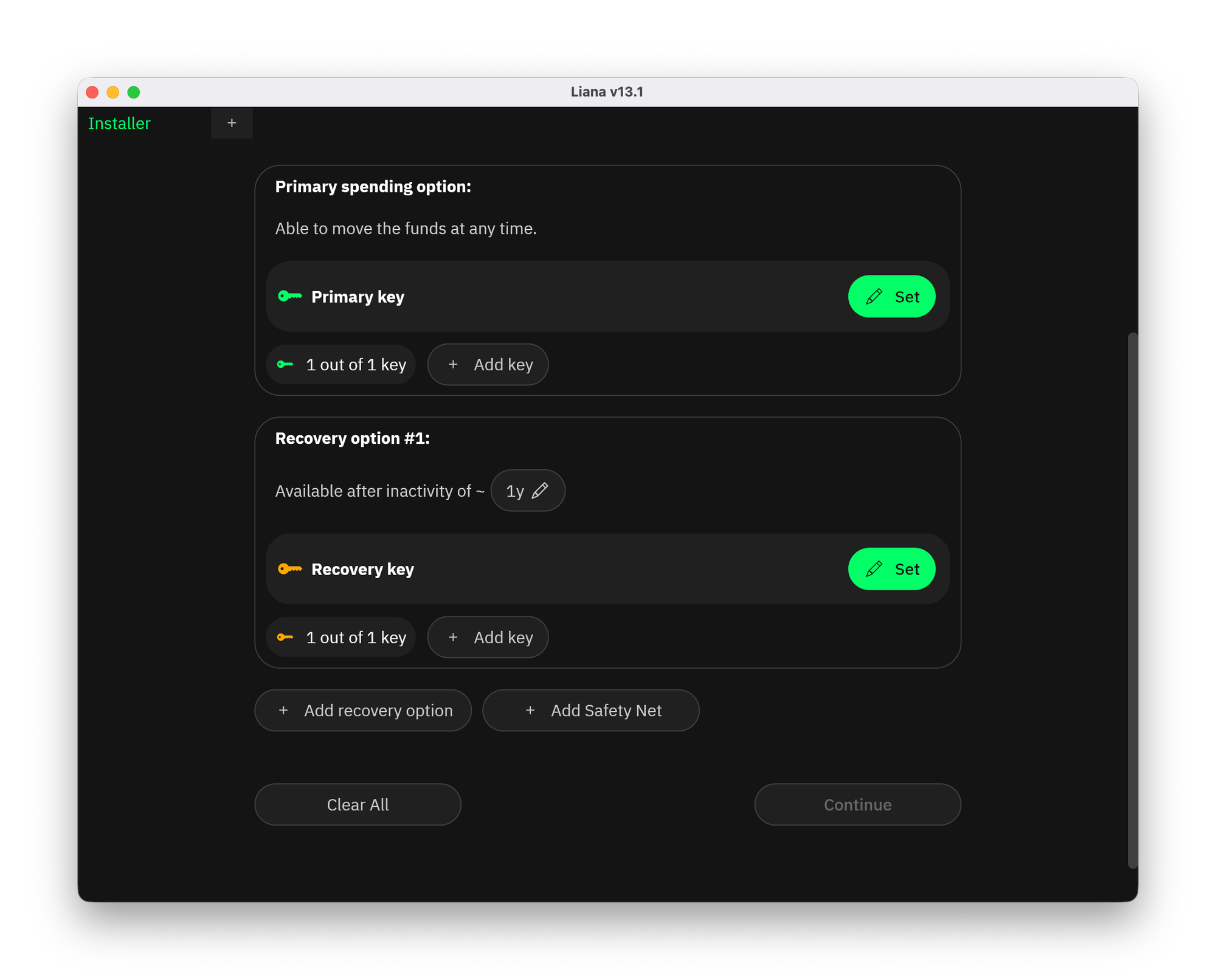
With the third option, you can specify any number of primary keys, recovery keys, time locks, recovery methods, and other parameters.
In this post, we’ll focus on the first and simplest inheritance option. Here, you can’t choose the number of keys, but you can set the inactivity period after which the second key becomes active.
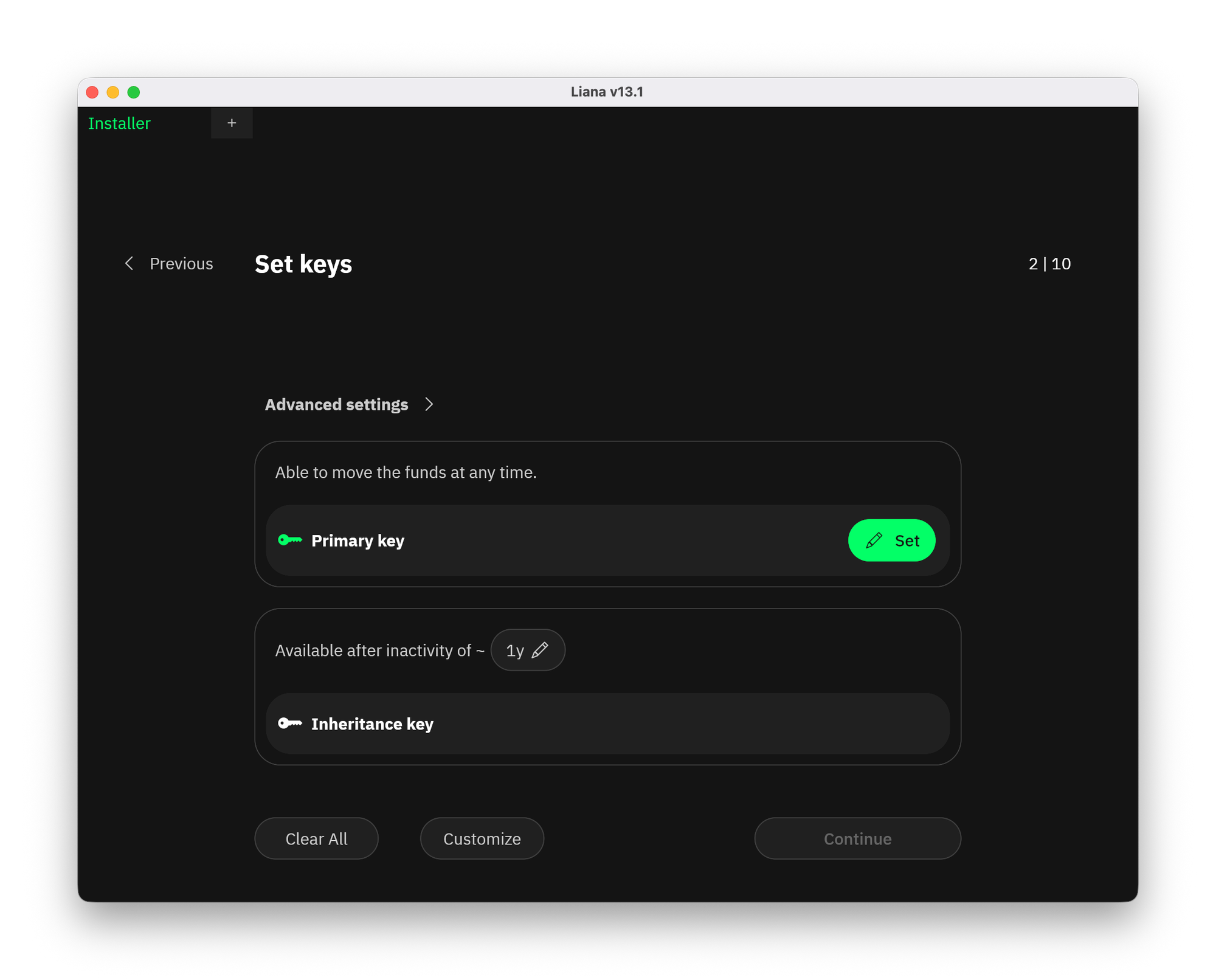
Inactivity is determined by the date of the last outgoing transaction from your wallet.
This is a key part of secure Bitcoin ownership and inheritance. The main key remains known only to you, and only you can use the wallet. The second key can be given to your heirs but will only work after the specified inactivity period.
To set up the primary key, click Set. You can then connect a hardware wallet, import a seed phrase, or create a new hot wallet directly on your computer.
After connecting or creating a wallet, you’ll receive a descriptor that must be carefully stored if you want to grant third parties access to the funds.
Next, choose the node you want to use. In Liana, you can connect your own node or use a service node. In the latter case, you’ll need to provide your email to receive an access token.
After that, only basic setup steps remain, such as naming your wallet. You’ll then gain access to your wallet (new or existing) through a familiar interface.
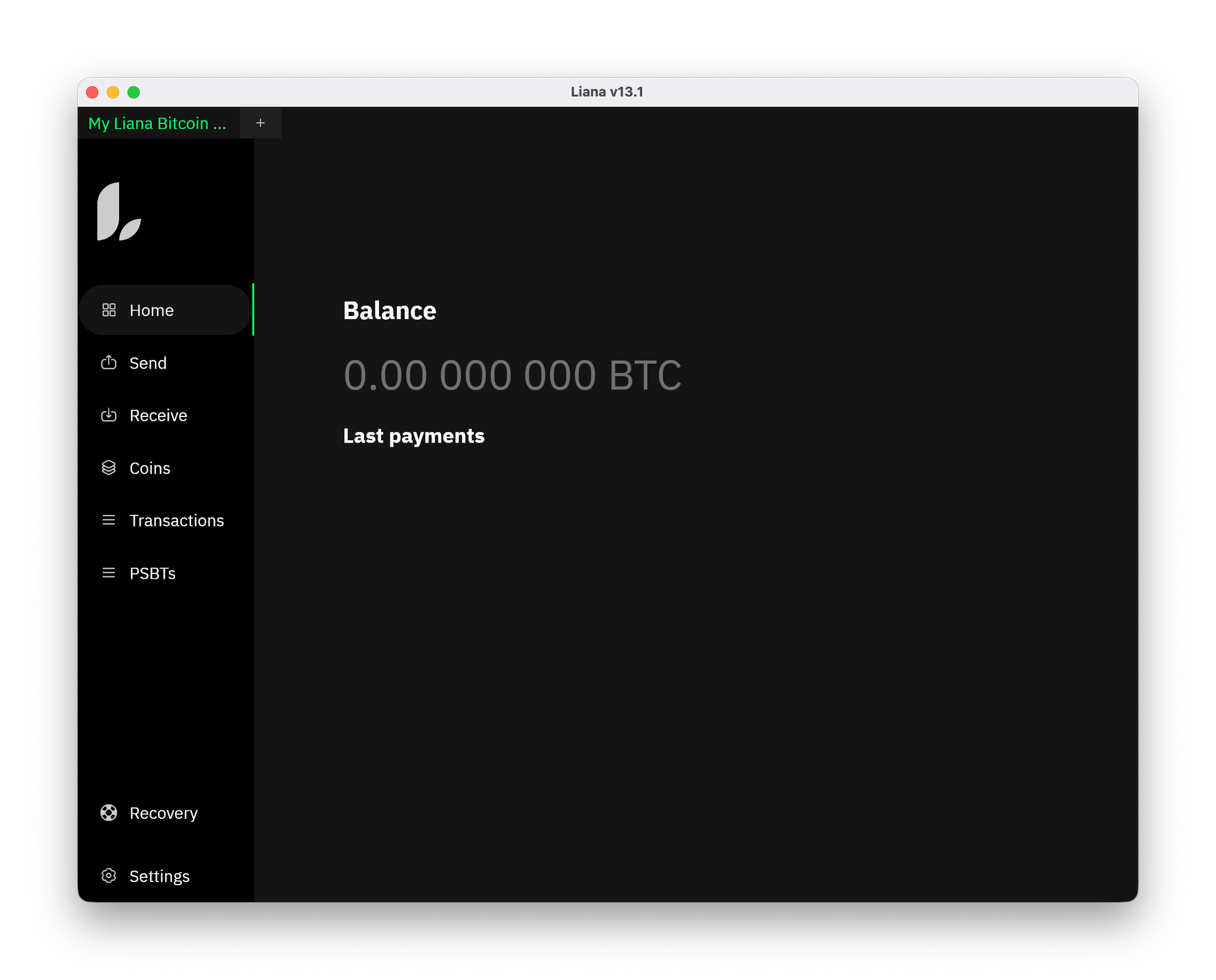
Granting access to third parties
Once Liana is set up, you can’t change inheritance parameters. So it’s important to configure everything carefully from the start.
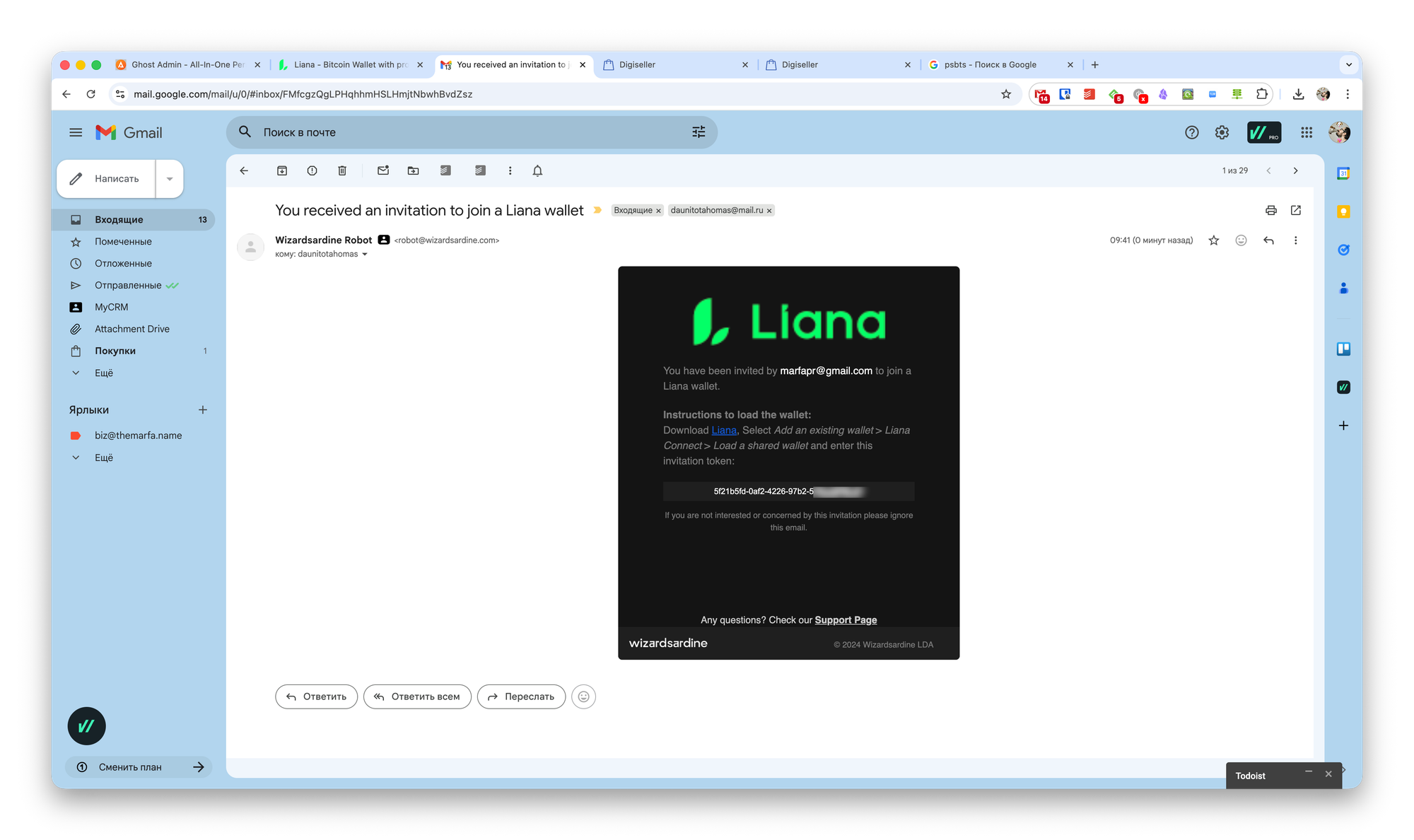
However, you can grant wallet access to another person via settings. They’ll receive instructions by email. If they follow them, access will be granted immediately.
To access the wallet using an inheritance key, you’ll need to start creating a new wallet in Liana, then choose Load a wallet from descriptor during setup and select a recovery method.
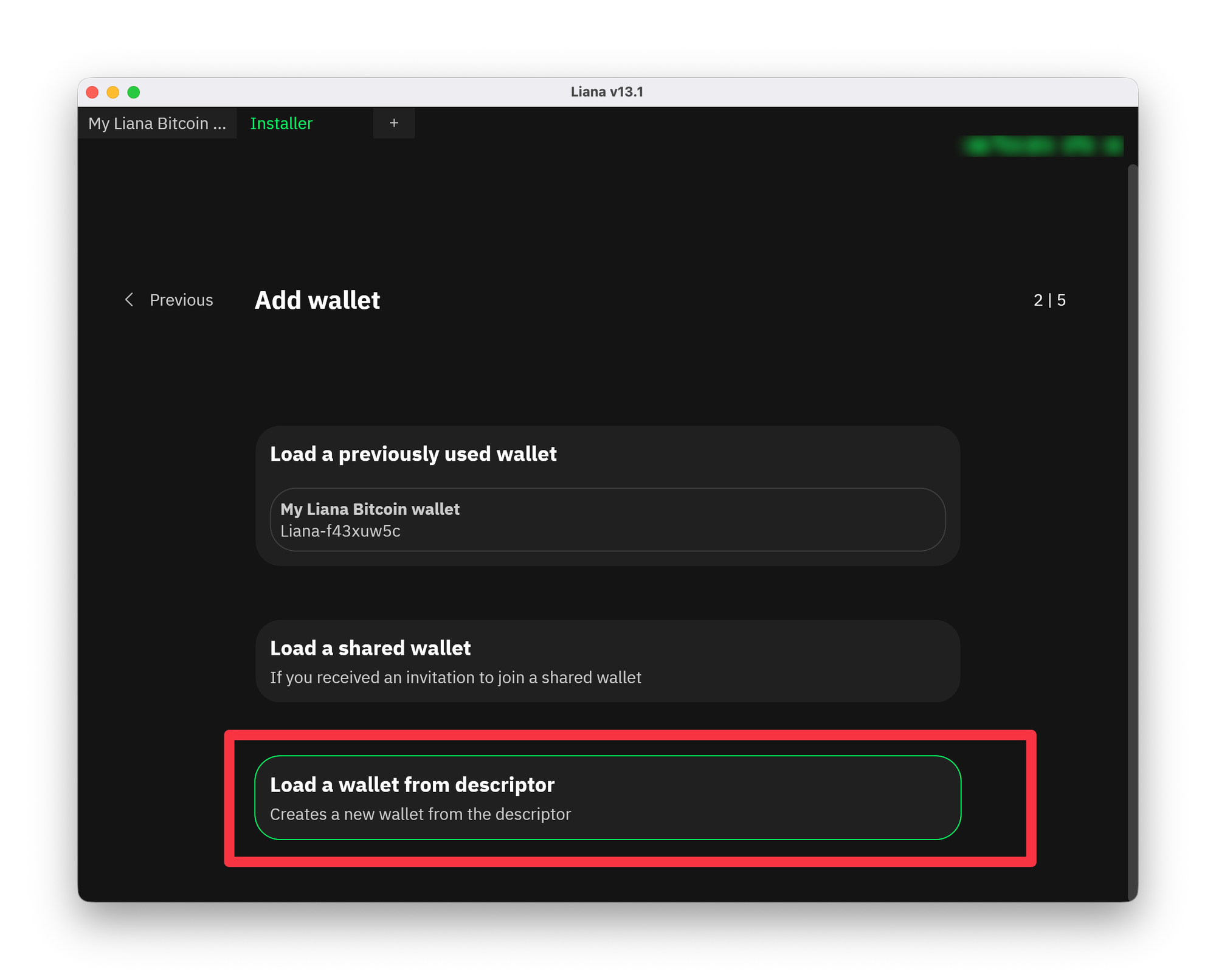
Note that if the descriptor’s time lock has not yet expired, importing it into Liana will not succeed.