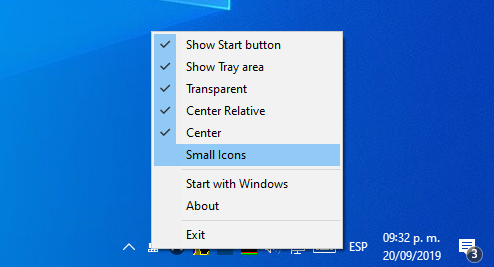
First of all, after installing the system, I move the Control Panel up and activate auto-hide. Using the utility from this post you can go even further.
If you are a developer, your programs and work often depend on the availability of external resources. When developing for macOS / iOS, it can be an Apple server. It would be nice to be able to see their availability directly in the status bar.
Have you registered a new YouTube account and now donβt know how to transfer subscriptions from the old one? As always, I found a solution to your problem.
When registering, any site requires you to accept user agreement. But who reads them? And is there any sense in this? After all, your girlfriend is on Facebook and you have to register.
Recently it was a discovery for me that some Android applications do not allow copying to the clipboard when you click the Share button. Here's how to solve it.
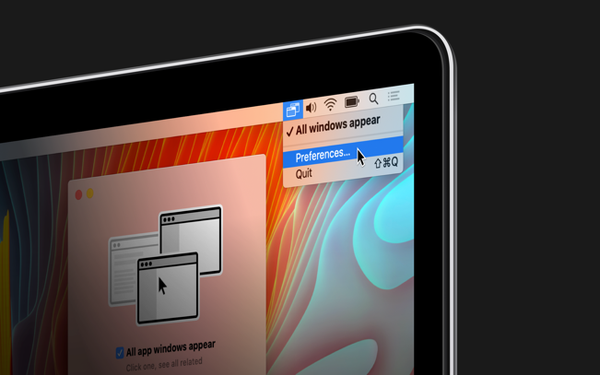
Managing application windows on macOS seems to me not very convenient. When working in an application, it is difficult to switch to another window of the same application. Fortunately, there is a solution to everything.
Many sites display information only after registration. This applies not only to social networks, streaming services, but also, for example, forums. Links or entire pieces of information are closed to guests.
Saves in games are so important that sometimes you need to save the save themselves. If the system crashes, when moving, when saving saves and other non-insurance events, these three programs will save you.
In July last year, many IT portals wrote about the first real firewall for iOS - Guardian Firewall. Since then, I periodically checked when the program will exit the closed beta test to try it in practice. And now this day has come.
Airtable - organizer of anything and everything. Service for managing both large projects and small tasks. Something between Excel, CRM-system and Trello. Or, more correctly, all at once.